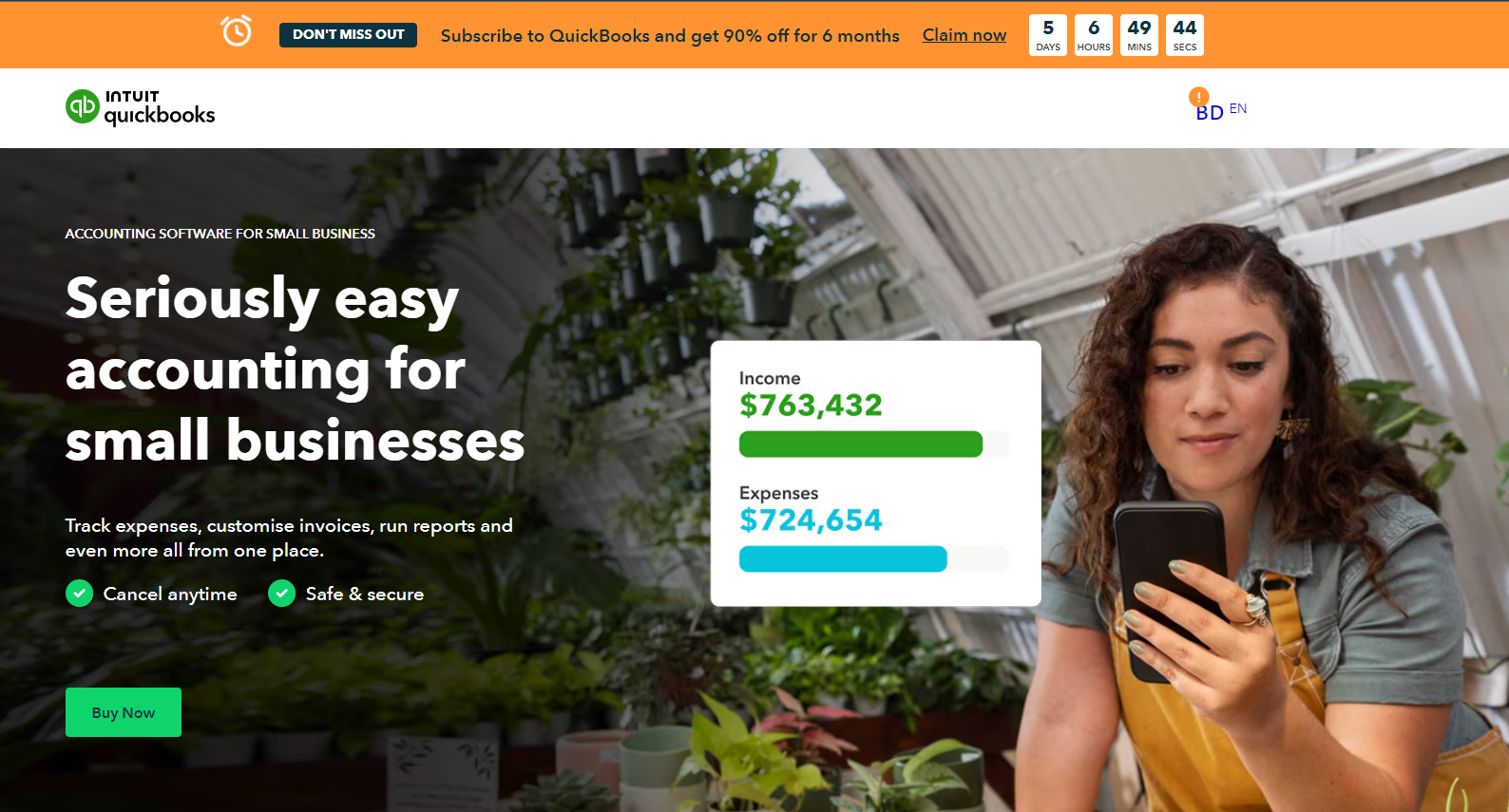
Manage your accounting, invoices, and expenses effortlessly.
QuickBooks is overall the best and top choice for small businesses seeking a powerful and flexible accounting solution. With its robust features and user-friendly interface, QuickBooks helps business owners save time, streamline finances, and focus on growth.
Trusted by millions, QuickBooks is the ultimate tool to achieve financial success and operational efficiency. Discover how QuickBooks Online can transform your business today.
Why Choose QuickBooks?
QuickBooks Online is a leading accounting solution tailored specifically for small businesses. Whether you’re a startup or an established business, QuickBooks Online offers a robust set of tools designed to streamline financial management and drive operational efficiency. Here’s a closer look at what makes QuickBooks Online an excellent choice for your business:
Powerful Features at Your Fingertips
Automated Data Entry
Automatically import bank transactions and reduce manual data entry. QuickBooks syncs with your bank to ensure your books are always up-to-date.
Multi-User Access
Collaborate with your team or accountant seamlessly. QuickBooks allows multiple users with specific access rights, ensuring everyone can contribute efficiently.
Mobile App
Manage your finances on the go. The QuickBooks mobile app lets you invoice, snap photos of receipts, and check your financial reports from anywhere.
Integration
Connect with your favorite apps like PayPal, Shopify, and more. QuickBooks integrates with numerous apps to streamline your workflows and consolidate data.
Unlock the Power of QuickBooks Today!
QuickBooks Online’s Sales Tools
QuickBooks Online Edition – Free TrialQuickBooks Online excels in providing a robust suite of sales tools that are essential for managing customer relationships and sales transactions efficiently. Here’s a detailed look at its features:
Comprehensive Customer Records
QuickBooks Online allows you to maintain thorough customer records that can be imported in multiple formats, including CSV, Excel, Google Sheets, and QuickBooks Desktop. Each customer’s home page is a hub of critical information, featuring:
- Contact Information: Essential details to reach out to customers.
- Preferred Language: Customize communication in the customer’s preferred language.
- Price Rules: Set specific pricing rules for individual customers.
- Links to Transactions: Direct access to all transactions related to the customer, including invoices, statements, projects, and late fees.
- New Transaction Forms: Quickly create new invoices and other transaction forms from the customer’s page.
This depth of detail is rivaled only by Zoho Books, making QuickBooks Online a top choice for managing customer interactions comprehensively.
Versatile Sales Transaction Forms
QuickBooks Online offers a complete range of sales transaction forms, ensuring that you can handle any sales scenario:
- Invoices and Estimates: Create detailed invoices and estimates with customizable fields and designs.
- Sales Receipts and Credit Memos: Easily generate sales receipts and manage credit memos.
- Deposits, Shipping Charges, and Discounts: Calculate and include deposits, shipping charges, and discounts directly on the invoices.
Each invoice form includes a progress bar in the right vertical pane, displaying the history of the transaction. This feature helps you track the status of invoices at a glance.
Efficient Invoice Management
Invoices are managed efficiently within QuickBooks Online:
- Customizable Forms: More customizable than many other small business accounting software options, with the ability to add custom fields.
- Completed Invoices List: View a list of completed invoices on the invoice page, with options to edit, receive payment, print packing slips, and send reminders.
- Overdue and Pending Invoices: Quickly see the amounts tied up in overdue and not-yet-due invoices, as well as the funds you need to deposit.
Similar Functionality Across Sales Forms
Other sales forms in QuickBooks Online, such as estimates and sales receipts, function similarly to invoices, providing a consistent and user-friendly experience across different types of sales transactions.
Ready to experience the QuickBooks advantage? Click the button below to start your free trial and revolutionize your accounting practices.
Start Your Free Trial Today
Why QuickBooks Stands Out?
Easy Invoicing: QuickBooks allows you to create and send professional invoices quickly, and it tracks invoice status to help ensure timely payments.
Expense Tracking: With QuickBooks, you can easily categorize and monitor your expenses, simplifying your bookkeeping and making tax preparation easier.
Real-Time Reports: Unlike FreshBooks, QuickBooks provides detailed financial reports in real-time, giving you an accurate and current view of your financial health.
Tax Preparation: QuickBooks offers robust tools for organizing your financial data, which makes tax preparation straightforward and stress-free.
Multi-User Access: Collaborate effortlessly with your team or accountant with customizable access permissions.
Mobile App: Manage your finances on the go with the QuickBooks mobile app, available for both iOS and Android.
Integration: QuickBooks integrates with a wide range of popular apps like PayPal, Shopify, and more, helping you streamline your business operations.
Bank Reconciliation: Quickly and accurately reconcile your bank accounts to ensure your books are always up to date.
Inventory Management: Keep track of your inventory with ease, a feature not available in FreshBooks.
Payroll Services: QuickBooks provides integrated payroll services, unlike FreshBooks, making it easier to manage employee payments and comply with tax regulations.
24/7 Customer Support: QuickBooks offers round-the-clock customer support, ensuring you get help whenever you need it, unlike the limited support options from Xero and FreshBooks.
Competitive Pricing: Starting at just $15/month after 50% discount, QuickBooks offers a comprehensive set of features at a competitive price point, providing excellent value for your investment.
Hear from Happy Customers
“QuickBooks has revolutionized the way we handle our finances. It’s user-friendly and has saved us countless hours on bookkeeping.”
– Sarah J., Small Business Owner
“The real-time reporting feature is a game-changer. I always know where my business stands financially, and the tax preparation process has never been easier.”
– Mike T., Freelancer
“QuickBooks’ integration with other apps like PayPal and Shopify has streamlined our sales process. It’s incredibly convenient to have all our financial data in one place.”
– Emily R., E-commerce Business Owner
“We switched to QuickBooks from another accounting software and haven’t looked back. The multi-user access and mobile app make it easy for our team to stay on top of our finances, even on the go.”
– James K., Marketing Agency Manager
“QuickBooks has made managing our payroll so much easier. The automated features and compliance tools have taken a huge load off our shoulders.”
– Laura M., HR Manager
QuickBooks vs. Other Competitors
| Features | QuickBooks | Xero | FreshBooks | Wave | Zoho Books |
| Easy Invoicing | ✅ | ✅ | ✅ | ✅ | ✅ |
| Expense Tracking | ✅ | ✅ | ✅ | ✅ | ✅ |
| Real-Time Reports | ✅ | ✅ | ❌ | ❌ | ✅ |
| Tax Preparation | ✅ | ✅ | ✅ | ✅ | ✅ |
| Multi-User Access | ✅ | ✅ | ✅ | ❌ | ✅ |
| Mobile App | ✅ | ✅ | ✅ | ❌ | ✅ |
| Integration with Other Apps | ✅ | ✅ | ✅ | ❌ | ✅ |
| Bank Reconciliation | ✅ | ✅ | ✅ | ✅ | ✅ |
| Inventory Management | ✅ | ✅ | ❌ | ❌ | ✅ |
| Payroll Services | ✅ | ✅ | ❌ | ✅ (US/Canada) | ❌ |
| Customer Support | 24/7 Support | Limited Support | Limited Support | Email Support | Limited Support |
| Starting Price | $15/month | $14.50/month | $9.50/month | Free | Free |
| Mid-tier Plan | $30/month | $23/month | $16.50/month | Free | $15/month |
| Top-tier Plan | $45/month | $31/month | $30/month | Free | $60/month |
Frequently Asked Questions
Can I import my existing financial data?
Yes, QuickBooks makes it easy to import your current financial data from spreadsheets or other accounting software.
Is there customer support available?
Absolutely! QuickBooks offers 24/7 customer support to assist you with any questions or issues.
Is QuickBooks secure?
Yes, QuickBooks uses advanced security measures to protect your data, ensuring your financial information is safe and secure.
Can QuickBooks help with tax preparation?
Yes, QuickBooks organizes your financial data and generates reports that make tax preparation straightforward and accurate.
Does QuickBooks Online Track Inventory?
Yes, QuickBooks Online does track inventory. The Plus and Advanced plans include inventory tracking features that allow you to manage stock levels, set reorder points, and track sales.
Does QuickBooks Online Offer Project Tracking?
Yes, QuickBooks Online offers project tracking. You can track income, expenses, and profitability for individual projects, ensuring you stay on budget and on schedule.