Are you eager to streamline your marketing efforts and enhance productivity? Building a marketing automation app could be your golden ticket.
Imagine having a tool that handles repetitive tasks, nurtures leads, and analyzes data—all while you focus on what truly matters: crafting compelling strategies and engaging with your audience. This guide will walk you through the essentials of creating a marketing automation app tailored to your needs.
Discover how you can simplify complex processes, save time, and boost your marketing game to a whole new level. With the right approach, you can transform your marketing operations and drive remarkable results. Ready to explore the steps to build your very own marketing automation powerhouse? Keep reading to unlock the secrets to success.

Credit: www.caspio.com
Market Research
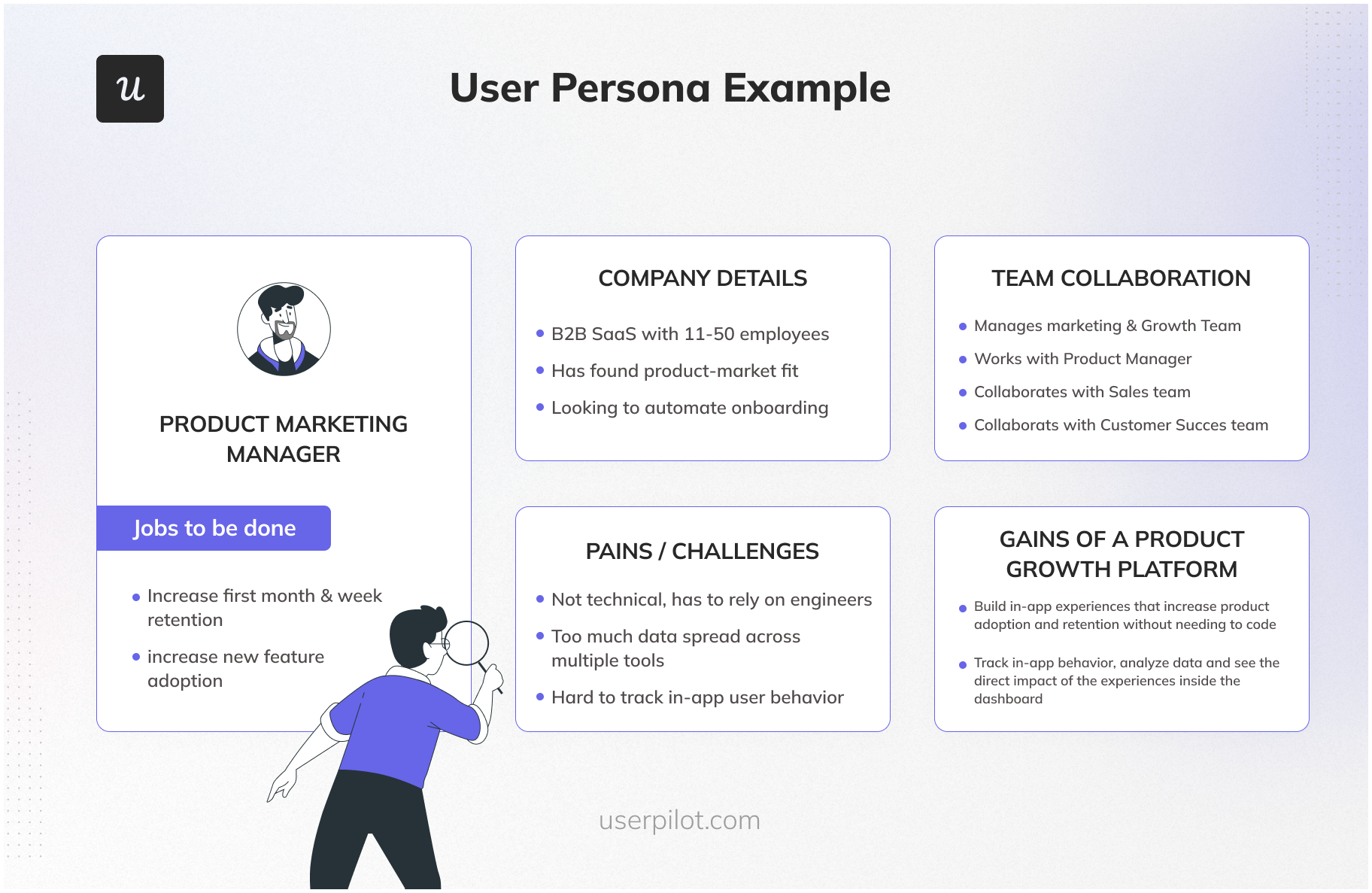
Start by understanding who will use your app. Think about age, interests, and needs. Create surveys to gather opinions. Analyze social media for trends. Look at forums where your audience talks. Write down what they like and dislike. This helps to create a better app.
Study apps like yours. List features they have. Read reviews on app stores. Find out what users say. Check their prices and offers. Identify gaps in their services. What can you do better? Use this knowledge to plan your app. Make it stand out with unique features.
Credit: userpilot.com
Defining Objectives
Every app needs a purpose. Clear goals help guide the process. They keep the team focused. These goals must be specific. Avoid vague ideas. Aim for concrete targets. Understand your audience. Know what they need. This shapes your app. Make a list. Prioritize tasks. This helps in planning.
Key Performance Indicators (KPIs) show success. Choose the right ones. They must be measurable. Easy to track. Numbers are important. They tell the story. Monitor progress. Adjust plans if needed. Use KPIs to improve. They guide decisions. Focus on results. Not just effort. Aim for growth.
Choosing The Right Technology
Picking the best framework is crucial. Frameworks help in structuring your app. They make coding faster and easier. Popular choices include React, Angular, and Vue.js. Each has its strengths. React is flexible and easy. Angular is powerful for big apps. Vue.js is simple and beginner-friendly. Think about your app’s needs. Consider the skill of your team. Choose a framework that matches their skills.
Cloud solutions store data online. They are easy to access from anywhere. On-premise solutions store data on local servers. They offer more control and security. Cloud is often cheaper and scales well. On-premise can be more costly but secure. Decide based on your budget and security needs. Think about your team’s skills too. Cloud might need different skills.
Credit: apps.shopify.com
App Design And User Experience
Users love simple and clear apps. An intuitive interface helps users find what they need. Buttons should be easy to see. Text should be easy to read. Colors should be nice and not too bright. Make sure users can move around the app without getting lost.
Many people use apps on phones. So, apps should work well on small screens. Mobile responsiveness is key. All buttons and text should fit well. No need to zoom in to read. Make sure the app loads fast. This makes users happy.
Core Features Development
Email marketing is important for businesses. Emails can be sent quickly and easily. Users can create personalized templates for emails. Emails can be sent to many people at once. It saves time and effort. Tracking email opens and clicks is possible. This helps understand what people like. Automated emails can be sent based on actions. This makes marketing more effective.
Social media is everywhere today. Managing posts is crucial for businesses. You can schedule posts in advance. This keeps your page active always. Content can be shared across platforms. This saves time. Tracking likes and comments helps see engagement. Responding quickly is important. Tools help manage multiple accounts easily. Social media management is vital for brand visibility.
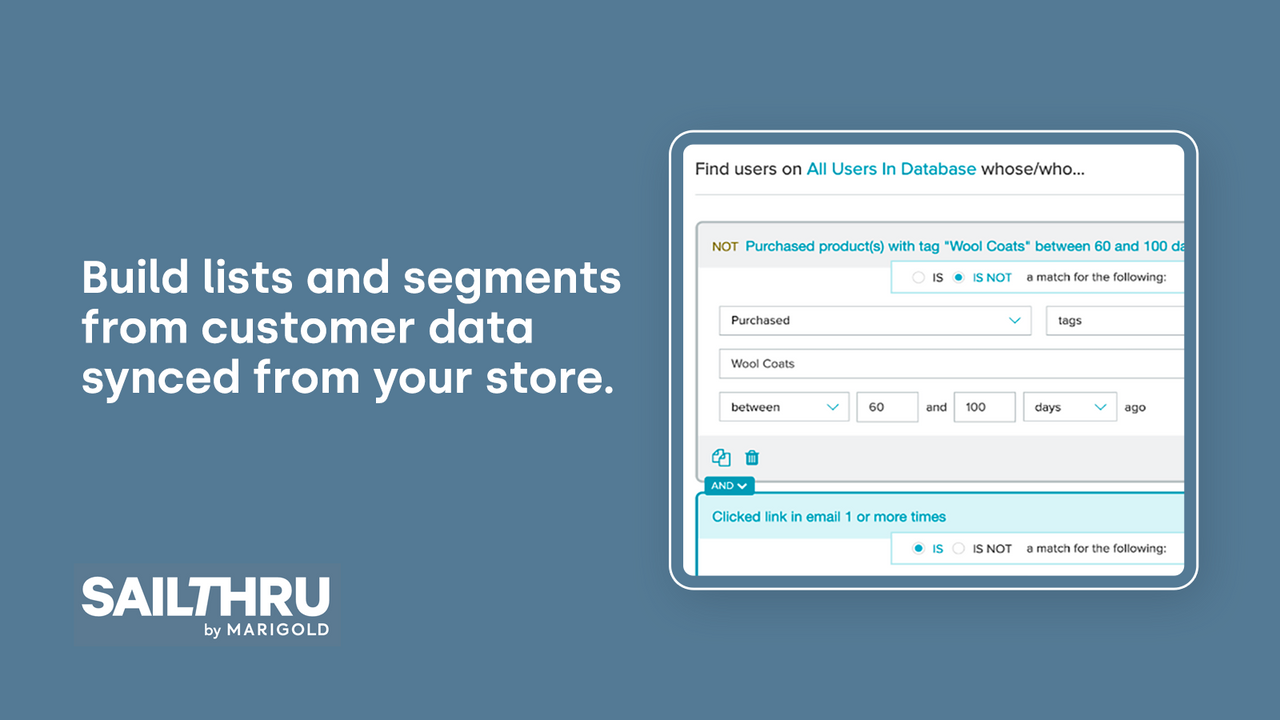
Data is power. Analytics show how well strategies work. Reports are easy to understand. They help identify trends. This assists in making smart decisions. Tracking user behavior is key. It helps know what users want. Charts and graphs make data clear. Analytics improve marketing efforts. Regular reports keep strategies on track.
Integrations And Apis
Integrations and APIs simplify building a marketing automation app. Connect various platforms seamlessly to enhance functionality. Effortlessly manage data flow and automate tasks for improved efficiency.
Connecting Crm Systems
CRM systems hold customer data. This data is vital for marketing. Integrating CRM with your app is crucial. It helps automate tasks. APIs make this connection possible. APIs are like bridges between apps. They allow data exchange. Choose APIs that fit your needs. Make sure they are secure. Security keeps customer data safe. Proper integration boosts efficiency. It saves time and effort.
Third-party Platform Integration
Many apps use third-party platforms. These platforms offer extra features. Integrating them enhances your app. It provides more tools for users. APIs help in this integration. They enable smooth data flow. Choose platforms wisely. Ensure they support your app’s goals. Check compatibility with your app. Integration should be seamless. A smooth integration improves user experience. It makes your app more valuable.
Testing And Quality Assurance
Building a marketing automation app requires careful attention to testing and quality assurance. Ensure smooth operations by validating features and fixing bugs. Reliable testing helps maintain app performance and user satisfaction, crucial for successful automation.
Automated Testing Methods
Automated tests save time. They find errors fast. They check if codes work well. Automated tests make apps stronger. Bugs are found early. This helps fix them quickly. It ensures the app works right. Automated tests can run anytime. They don’t need people watching. This helps in busy times. Developers trust automated tests. They show the app is ready. Automated tests are smart. They learn from past errors. They improve with each run.
User Acceptance Testing
User acceptance testing is important. It checks if users like the app. Users try the app. They give feedback. Feedback helps improve the app. The app must meet user needs. It should be easy to use. Users should find it helpful. Testing shows if changes are needed. Happy users mean a good app. User testing helps find problems. It makes the app better.
Launch Strategy
First, pick a group of users. Make sure they are diverse. Ask them to try the app. Collect their thoughts and ideas. Use surveys and interviews. Feedback helps improve the app. It fixes bugs and issues. Make changes based on their suggestions. This helps the app grow. Keep communication open with users. They are important for success. Test everything before launching. It ensures smooth operation.
Spread the word about the app. Use social media platforms. Share exciting news and updates. Create engaging posts. Tell stories about the app’s benefits. Connect with influencers to reach more people. They can help spread the message. Use email marketing to inform potential users. Share the app’s features and advantages. Create short videos. Show how the app works. Highlight key features. Make people curious about trying it. Offer free trials to attract interest. Encourage users to share their experience. This helps build trust.
Post-launch Support
Proper training ensures users understand your app. Offer easy tutorials for them. Keep guides simple and clear. Provide video tutorials if possible. Interactive sessions help users learn faster. This builds confidence in using the app.
Always seek feedback from users. It helps in improving the app. Keep updating the app regularly. Fix bugs quickly. Add new features based on user needs. This keeps users happy and engaged.
Frequently Asked Questions
How Do You Create A Marketing Automation?
To create marketing automation, define goals, select tools, segment your audience, design workflows, and monitor results. Use analytics to refine strategies and optimize engagement.
Is Canva A Marketing Automation Tool?
Canva is not a marketing automation tool. It is a graphic design platform for creating visuals. Users design marketing materials, but automation features are limited. For automation, consider platforms like HubSpot or Mailchimp. Canva excels in design simplicity and collaboration, not in automating marketing processes.
What Is Mobile App Marketing Automation?
Mobile app marketing automation uses software to streamline marketing tasks. It helps engage users, segment audiences, and personalize communication. This approach enhances user retention and boosts app growth efficiently. By automating repetitive tasks, marketers can focus on strategy and innovation, ultimately improving app performance and user satisfaction.
Can You Automate Digital Marketing?
Yes, you can automate digital marketing using tools for social media, email campaigns, and analytics. Automation saves time, enhances efficiency, and improves targeting. Implementing automation tools helps streamline tasks, allowing marketers to focus on strategy and creativity.
Conclusion
Building a marketing automation app takes careful planning and execution. Start small. Focus on core features first. Ensure your app is user-friendly and intuitive. Test thoroughly. Gather user feedback for continuous improvement. Keep security and privacy in mind. Stay updated with industry trends.
Learn from your competitors’ successes and failures. Offer excellent customer support to build trust. By following these steps, your app can effectively meet users’ needs. Remember, patience and dedication are key. Your efforts will pave the way for a successful app.
Good luck on your development journey!