To choose a good printer for home use, consider your printing needs and budget. Look for reliable brands and essential features.
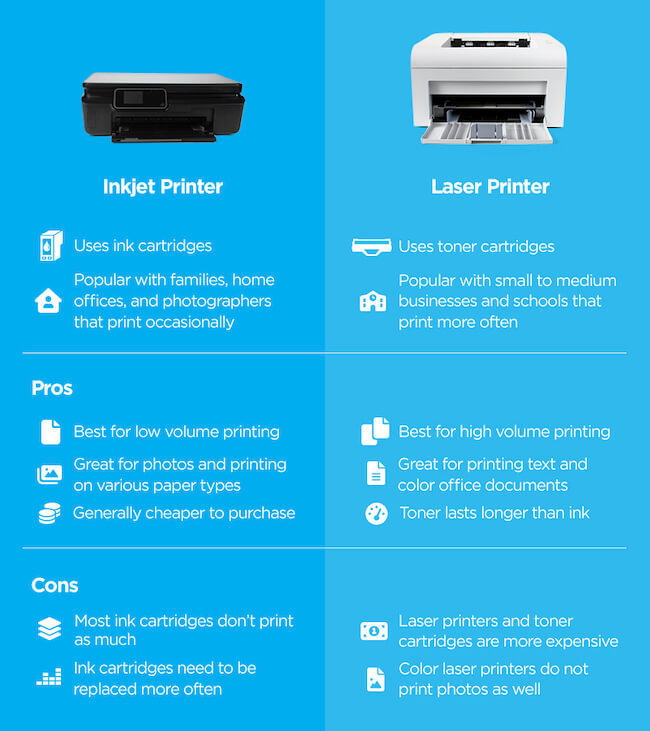
Choosing the right printer for home use can be challenging with many options available. First, determine whether you need a printer mainly for documents or photos. Inkjet printers are versatile and great for high-quality images, while laser printers are better for frequent text printing.
Assess the cost of replacement ink or toner, as this can add up over time. Consider connectivity options like Wi-Fi and Bluetooth for convenience. Look for features such as duplex printing and scanning capabilities. Reading reviews and comparing prices can help you make an informed decision. Select a printer that balances performance, cost, and functionality to suit your specific needs.
Assessing Your Printing Needs
Choosing the right printer for home use starts with understanding your printing needs. This involves considering how often you print and what types of documents you typically print. Let’s dive into these factors to help you make an informed decision.
Frequency Of Use
How often you use your printer is a key factor. If you print daily, a durable printer is essential. For occasional printing, a budget-friendly option may suffice.
| Frequency | Recommended Printer Type |
|---|---|
| Daily | Laser Printer |
| Weekly | Inkjet Printer |
| Monthly | Inkjet Printer |
Types Of Documents
The types of documents you print also impact your choice. Different printers are suited for different tasks.
- Text Documents: Laser printers are great for text-heavy documents.
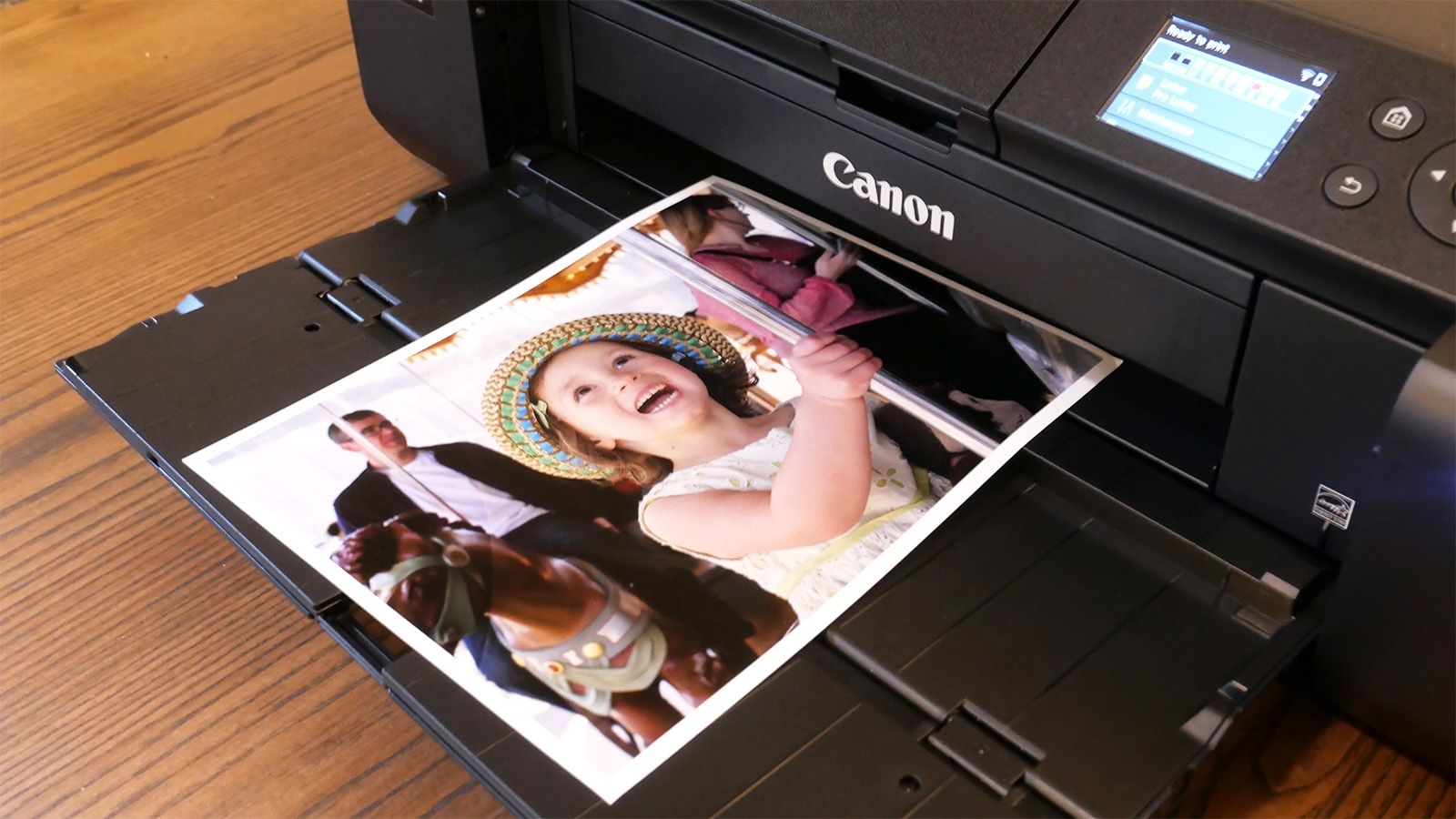
- Photos: Inkjet printers offer better photo quality.
- Mixed Use: For both text and photos, a versatile inkjet printer is ideal.
Consider these points to find a printer that meets your needs and fits your budget. Choosing the right printer will save you time, money, and frustration.
Inkjet Vs. Laser Printers
Choosing the right printer for home use can be overwhelming. One of the main decisions is whether to go for an inkjet or laser printer. Both types have their own benefits and drawbacks. Understanding these can help you make an informed choice.
Quality And Speed
Inkjet printers are known for their high-quality photo prints. They produce vibrant colors and fine details. This makes them ideal for printing photos and images.
Laser printers excel in speed and text quality. They are perfect for printing documents with sharp, clear text. They can print many pages quickly, making them efficient for high-volume tasks.
Cost Implications
Initial Cost: Inkjet printers are generally cheaper to buy upfront. They are a good choice if you need a low-cost option.
Running Costs: Inkjet cartridges can be expensive over time. They need to be replaced more often, especially if you print a lot of photos.
Laser printers have a higher initial cost. But their toner cartridges last longer and can print more pages. This makes them more cost-effective in the long run.
| Aspect | Inkjet Printers | Laser Printers |
|---|---|---|
| Quality | Excellent for photos | Superior for text |
| Speed | Slower, especially for high-quality prints | Faster, ideal for large volumes |
| Initial Cost | Lower | Higher |
| Running Costs | Higher due to frequent cartridge replacements | Lower due to long-lasting toner |
Consider what you will print most often. If you need high-quality photos, an inkjet printer may be best. If you print many documents, a laser printer could save you money in the long run.
Understanding Printer Specifications
Choosing the right printer for home use can be challenging. Understanding printer specifications is crucial for making an informed decision. This section will help you decode the technical jargon and select a printer that meets your needs.
Resolution And Color Accuracy
Resolution is measured in dots per inch (DPI). Higher DPI means better print quality. For regular home use, a resolution of 600 DPI is usually sufficient. If you need to print high-quality photos, consider a printer with a higher DPI, like 1200 DPI or more.
Color Accuracy is essential for photo printing. Look for printers with advanced color management features. Some printers offer color calibration tools. This ensures the colors in your prints match the original image.
Connectivity Options
Connectivity Options determine how you can connect your printer to other devices. Common options include USB, Wi-Fi, and Ethernet. USB is the simplest but requires a physical connection to your computer. Wi-Fi allows for wireless printing from multiple devices. This is ideal for households with multiple users.
Ethernet provides a stable wired connection. This is useful if your Wi-Fi signal is weak. Some printers also support mobile printing through apps. Check if the printer supports AirPrint for Apple devices or Google Cloud Print for Android devices.
| Feature | Description |
|---|---|
| Resolution | Measured in DPI. Higher DPI means better print quality. |
| Color Accuracy | Ensures printed colors match the original image. |
| USB | Simplest connection. Requires a physical connection. |
| Wi-Fi | Allows wireless printing from multiple devices. |
| Ethernet | Stable wired connection. Useful if Wi-Fi is weak. |
| Mobile Printing | Supports printing via apps like AirPrint or Google Cloud Print. |
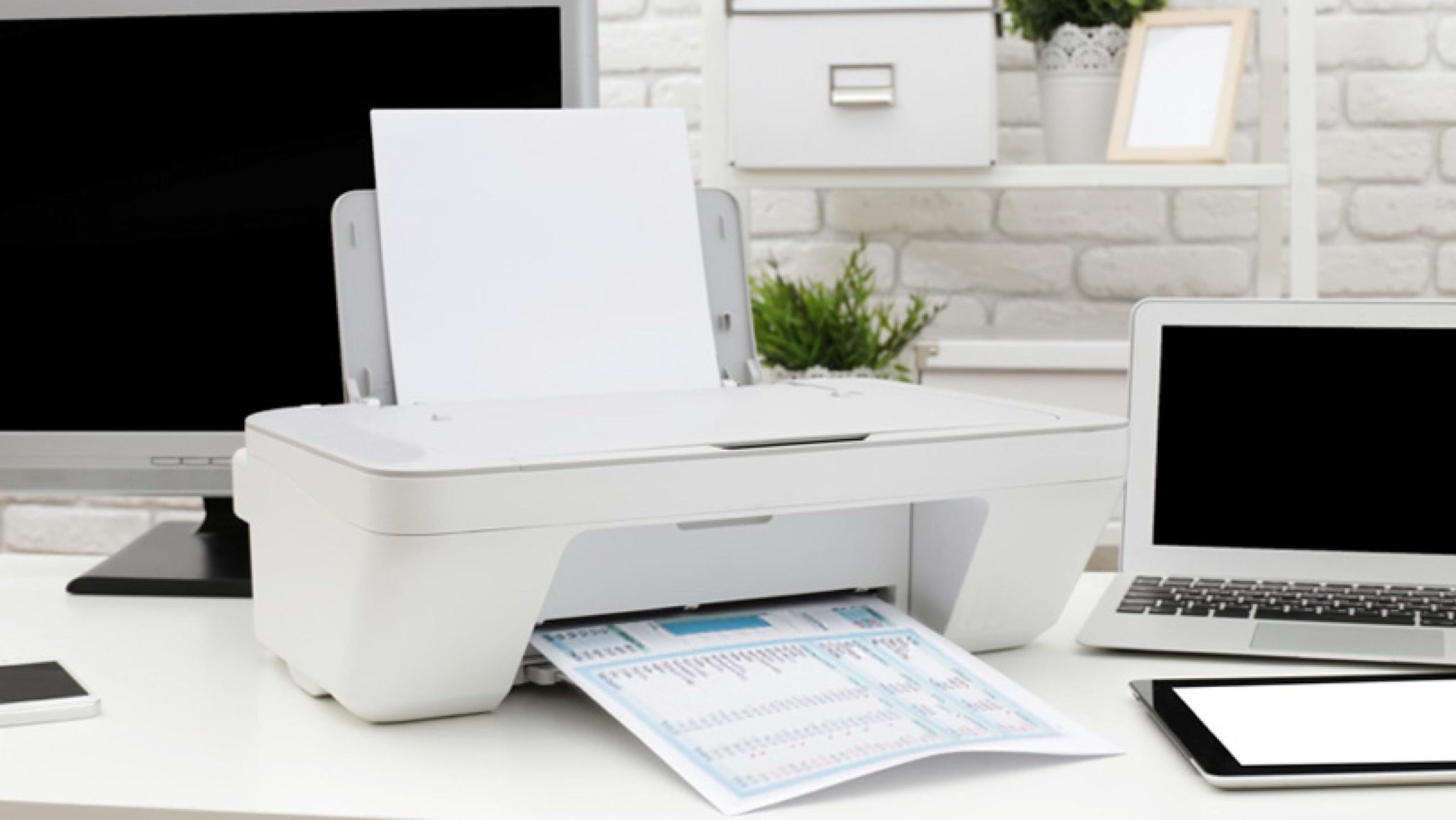
Credit: www.officeinteriors.ca
Cartridge Costs And Yield
Choosing a good printer for home use involves understanding cartridge costs and yield. This means knowing how much ink you get and how much it costs. It can help you save money in the long run.
Original Vs. Third-party Ink
Printers often come with original ink cartridges. These are made by the printer’s brand. They are usually of high quality but can be expensive. Third-party ink cartridges are made by other companies. They are often cheaper but may not work as well.
Here is a quick comparison:
| Type | Cost | Quality | Warranty |
|---|---|---|---|
| Original Ink | High | High | Yes |
| Third-Party Ink | Low | Varies | No |
Using third-party ink can void your printer’s warranty. Always check before using them.
Subscription Services
Many brands offer subscription services for ink. You pay a monthly fee and get ink delivered to your home. This can be a good option if you print a lot. It ensures you never run out of ink.
Here are some benefits of subscription services:
- Convenient
- Saves time
- Often cheaper than buying single cartridges
Some popular subscription services include:
- HP Instant Ink
- Canon Ink Subscription
- Brother Refresh
Subscription services can help manage cartridge costs and yield effectively. Choose the one that fits your printing needs.
Size And Design Considerations
Choosing a good printer for home use involves considering various factors. One important aspect is the size and design of the printer. These considerations can greatly impact the ease of integration into your home workspace.
Printer Footprint
The printer footprint refers to the amount of space the printer occupies. Measure the available space in your home before purchasing. Printers come in various sizes, from compact models to larger ones.
Smaller printers are ideal for tight spaces. They fit easily on desks or shelves. Larger printers offer more features but require more space.
| Printer Type | Dimensions |
|---|---|
| Compact Printer | 15″ x 10″ x 7″ |
| Standard Printer | 18″ x 14″ x 8″ |
| Large Printer | 24″ x 18″ x 10″ |
Ease Of Access
Ease of access is crucial for a good user experience. Ensure the printer has easily accessible paper trays and control panels. This makes loading paper and changing settings simple.
Consider the placement of the printer. Front-loading paper trays are convenient if the printer is placed against a wall. Top-loading paper trays require more vertical space but are easy to access.
- Front-loading trays: Suitable for tight horizontal spaces.
- Top-loading trays: Better for open vertical spaces.
Check if the printer has a touchscreen interface. This feature simplifies navigation and setting adjustments.
Credit: www.quill.com
Additional Features To Consider
When choosing a good printer for home use, additional features can make a big difference. These features improve functionality and offer more convenience. Below are some key features to consider.
Duplex Printing
Duplex printing allows you to print on both sides of the paper automatically. This can save you a lot of paper. It also helps in making professional-looking documents. Some printers have manual duplex printing. You will have to flip the paper yourself. But automatic duplex printing is more convenient. This feature is great for saving time and resources.
Scanning And Copying Capabilities
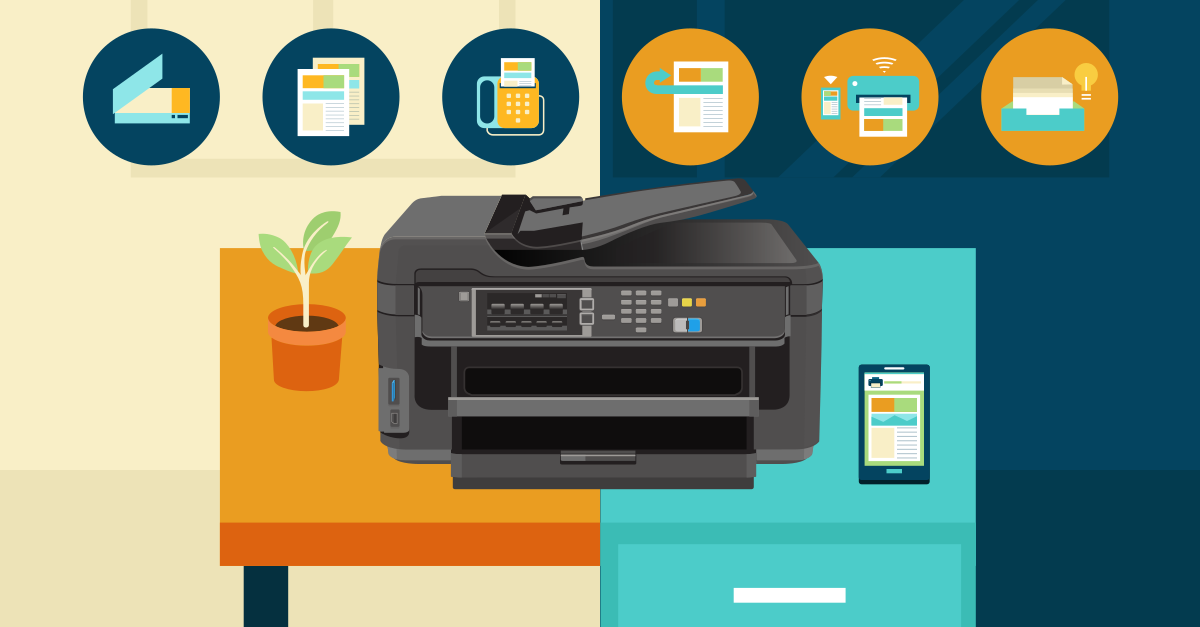
Many modern printers come with scanning and copying capabilities. These all-in-one devices can scan documents directly to your computer. They can also make copies of important papers. This feature is useful for home offices or school projects.
Scanning features can vary. Some printers offer high-resolution scanning. Others might include an automatic document feeder (ADF). An ADF allows you to scan multiple pages quickly. This is ideal if you need to scan large documents often.
When it comes to copying, check the speed and quality. Some printers can copy in color and black-and-white. Make sure the printer you choose meets your needs.
| Feature | Benefits |
|---|---|
| Duplex Printing | Saves paper, looks professional, convenient |
| Scanning Capabilities | Scan to computer, high-resolution, ADF |
| Copying Capabilities | Speed, quality, color and black-and-white |
Ease Of Setup And Use
Choosing a printer for home use can be challenging. It’s essential to consider how easy it is to set up and use. A printer that is simple to install and operate will save time and reduce frustration. Below, we explore key factors like the user interface and driver and software support.
User Interface
A user-friendly interface is crucial. Look for printers with an intuitive control panel. Many modern printers come with touchscreens. Touchscreens make navigation straightforward and quick. Ensure the buttons and menus are clearly labeled. This can help everyone in the family, even kids, operate the printer with ease.
Some printers offer mobile apps. These apps allow you to control the printer from your smartphone or tablet. Mobile apps can simplify tasks like scanning documents or sending print jobs remotely.
Driver And Software Support
Driver and software support is vital for a smooth printing experience. Ensure the printer is compatible with your operating system. Most brands offer drivers for Windows, macOS, and Linux. Check for regular updates. Updated drivers can fix bugs and improve performance.
Good software support includes easy installation wizards. These wizards guide you through the setup process step-by-step. Look for printers that offer additional software tools. Tools for photo editing or document management can add extra value.
Here’s a quick comparison of driver and software support features from popular brands:
| Brand | Operating System Compatibility | Software Tools Included |
|---|---|---|
| Brand A | Windows, macOS | Photo Editing, Cloud Printing |
| Brand B | Windows, macOS, Linux | Document Management, Mobile App |
Brand Reputation And Support
Choosing a printer for home use involves several considerations. One of the most important factors is brand reputation and support. A reputable brand ensures quality, reliability, and excellent customer service. This section will cover three key aspects to help you make an informed decision.
Customer Reviews
Customer reviews provide real-world insights. Look for printers with many positive reviews. Pay attention to comments on print quality, ease of use, and durability.
- Print Quality: Look for feedback on text and photo prints.
- Ease of Use: Check if users find the printer easy to set up and operate.
- Durability: See if the printer lasts long without issues.
Warranty And Service
A good warranty shows that the brand trusts its product. Check the warranty period and what it covers.
| Brand | Warranty Period | Service Options |
|---|---|---|
| Brand A | 1 Year | On-site, Phone Support |
| Brand B | 2 Years | On-site, Online Chat |
| Brand C | 1 Year | Phone Support, Email Support |
Also, consider the service options provided. On-site and phone support are often the most convenient.
Environmental Impact And Energy Efficiency
Choosing a printer for your home is not just about print quality. The environmental impact and energy efficiency also matter. A good printer should be kind to the environment. It should also save energy, reducing your electricity bills.
Energy Star Certification
Energy Star Certification is a key feature to look for. Printers with this certification use less power. They are designed to be energy-efficient. This means they consume less electricity. They also help reduce greenhouse gas emissions.
Recycling Programs
Many printers come with recycling programs. These programs help you recycle used cartridges. Recycling reduces waste and helps the environment. Some brands even offer discounts for returning used cartridges.
| Brand | Recycling Program | Energy Star Certified |
|---|---|---|
| HP | Yes | Yes |
| Canon | Yes | Yes |
| Epson | Yes | Yes |
Choose a printer that supports these features. Look for the Energy Star logo. Check if the brand offers a recycling program. These steps will help you pick a printer that is good for the planet and your wallet.
Making The Final Decision
Choosing the right printer for home use can be challenging. You need to consider many factors. This section will help you make the best choice by focusing on budget constraints and long-term value.
Budget Constraints
Knowing your budget is the first step. Printers come in various price ranges. You can find printers under $50 and others over $500. Decide how much you want to spend.
Here is a table to help you understand what you get in each price range:
| Price Range | Features |
|---|---|
| Under $50 | Basic printing, low speed, minimal features |
| $50 – $200 | Better quality, faster speed, wireless options |
| Over $200 | High speed, multifunction, top quality |
Look for discounts and sales. You can save money by buying during special promotions. Some stores offer bundle deals. These can be cost-effective.
Long-term Value
Consider the long-term costs. A cheap printer might have expensive ink. Check the price of replacement ink cartridges. Look for printers with affordable ink options.
Here are some tips to ensure long-term value:
- Check the printer’s ink efficiency.
- Read reviews from other users.
- Choose a printer with a good warranty.
Think about your future needs. Will you need to print photos? Or do you need a printer for documents only? Some printers are better for specific tasks. Choose one that fits your long-term needs.
Multifunction printers can offer more value. They can print, scan, and copy. This can save you money and space. Consider if a multifunction printer fits your needs.
By focusing on budget and long-term value, you can make a smart choice. Ensure the printer you choose fits your needs and budget.

Credit: www.tonercity.com.au
Frequently Asked Questions
What Type Of Printer Is Best For Home Use?
An inkjet printer is best for home use. It offers quality printing for documents, photos, and versatile media.
How Do I Choose The Right Printer For Me?
Identify your printing needs first. Compare inkjet and laser options. Check print speed, quality, and connectivity. Consider budget and running costs. Read user reviews.
What Features Should I Look For In A Home Printer?
Look for print quality, speed, connectivity options, duplex printing, and cost of ink or toner. Ensure compatibility with devices.
What Type Of Printer Is Best For Personal Use?
The best printer for personal use is an inkjet printer. It offers high-quality prints, affordability, and versatility for various tasks.
Conclusion
Selecting the right printer for home use requires careful consideration. Evaluate your printing needs and budget. Check for features like wireless connectivity and print quality. Read reviews and compare models. A suitable printer will simplify your tasks and enhance productivity.
Make a wise choice for long-term satisfaction.