
Are you looking to elevate your email marketing strategy using Outlook? You’re in the right place.
Sending marketing emails through Outlook is not just straightforward, but can be incredibly effective when done right. Imagine reaching your audience directly in their inbox with personalized messages that capture their attention and drive engagement. Whether you’re a small business owner or part of a larger marketing team, this guide will show you how to leverage Outlook’s features to create compelling marketing emails that resonate with your audience.
By the end of this article, you’ll have the tools and knowledge to craft emails that not only get opened but also inspire action. Ready to transform your email marketing efforts? Let’s dive in!
Setting Up Outlook For Marketing
Learn how to send marketing emails via Outlook efficiently. Set up personalized email campaigns using Outlook’s features. Enhance your marketing strategy with tailored messages and reach your audience effectively.
Setting up Outlook for marketing is an essential step if you want to streamline your email campaigns. Outlook offers a user-friendly interface with powerful tools that can help you reach your audience effectively. Whether you’re a small business owner or part of a large team, configuring Outlook correctly can make your marketing efforts more efficient and impactful.Configuring Email Account
The first step in setting up Outlook for marketing is configuring your email account. You need to ensure your email account is correctly connected to Outlook.Start by opening Outlook and navigating to the ‘File’ menu. Choose ‘Add Account’ and enter your email details.Follow the prompts to complete the setup. Ensure your account is active and ready to send emails to your audience.Customizing Settings
Once your email account is configured, it’s time to customize your settings. Personalizing your settings can enhance the effectiveness of your marketing emails.Consider adjusting your signature to include your brand logo and contact information. This provides a professional touch to your emails.Experiment with themes and styles that reflect your brand’s personality. Ask yourself: does this visual appeal align with your brand image?Adjust your inbox rules to prioritize important messages. This helps you manage responses from your marketing campaigns efficiently.By tailoring these settings, you ensure your emails are not only eye-catching but also reflect your brand’s identity, making them memorable for your recipients.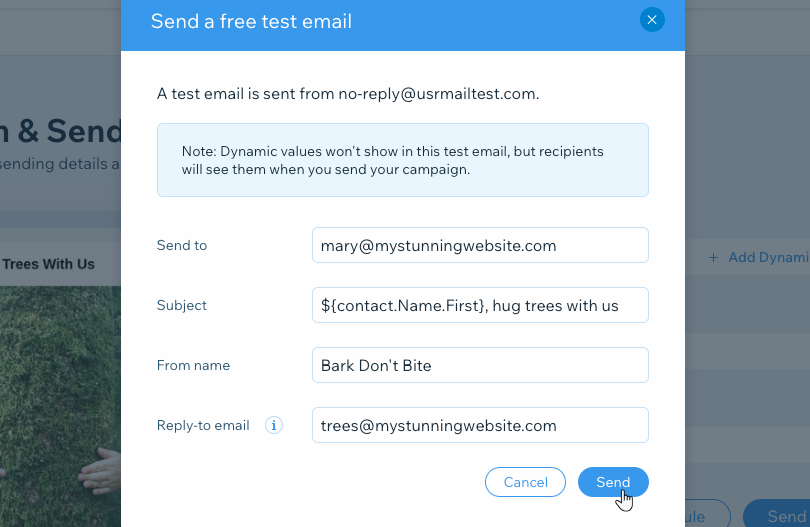
Credit: support.wix.com
Creating Email Lists
Sending marketing emails through Outlook is straightforward. Create an email list by gathering contacts. Then, compose your message, add recipients, and hit send. Outlook’s features help manage and track these emails efficiently.
Creating effective email lists is the backbone of any successful email marketing campaign. If you’re using Outlook for your marketing needs, organizing and managing your contacts into strategic lists can significantly enhance your outreach efforts. A well-crafted email list ensures that your message lands in the right inboxes, fostering better engagement and conversion rates. Let’s dive into how you can create and manage your email lists using Outlook.Importing Contacts
To build a strong email list, start by importing your existing contacts into Outlook. You might have contacts saved in different formats like CSV or vCard. Outlook makes it easy to bring all these into one place.Navigate to the File tab and select Import/Export. Choose the format of your contact list, like a CSV file, and follow the prompts. It’s a straightforward process, but ensure your contact list is clean and up-to-date to avoid sending emails to inactive addresses.Managing Groups
Once your contacts are imported, it’s time to organize them into groups. Grouping helps you target specific audiences with tailored messages.In Outlook, go to the People tab and create new contact groups. You can name these groups based on common characteristics, like ‘Local Customers’ or ‘Newsletter Subscribers’. This organization helps you send relevant content to different segments, improving your open and click-through rates.Have you ever sent an email and realized it wasn’t relevant to half your audience? Managing groups effectively can prevent that. By understanding your audience segments, you can craft messages that resonate and drive action.Creating and managing email lists might seem like a small task, but it holds power to transform your marketing efforts. Are you ready to take your email marketing to the next level with Outlook?Designing Effective Marketing Emails
Designing effective marketing emails is essential for capturing your audience’s attention. A well-designed email can boost engagement and drive conversions. It is crucial to focus on visual appeal and relevant content. Let’s explore how to create effective marketing emails using Outlook.
Choosing Templates
Begin with a template that matches your brand’s style. Templates save time and ensure consistency. Outlook offers various templates suitable for different campaigns. Choose one that aligns with your message and audience.
Crafting Content
Content is king. Write a compelling subject line to grab attention quickly. Keep the email body concise and to the point. Use headings to break up text and make it scannable. Add images to support your message, but keep them relevant. Ensure your call-to-action is clear and easy to find.
Personalizing Emails
Crafting personalized marketing emails using Outlook enhances engagement with your audience. Utilize Outlook’s tools to customize messages with recipient names and preferences. Tailor content to ensure relevance and connection, boosting open rates and fostering customer loyalty.
Personalizing emails is a game-changer in email marketing. It can be the difference between your email landing in the spam folder or being opened and read. When you personalize emails in Outlook, you create a connection that can boost engagement and conversion rates. Let’s explore how you can effectively personalize your marketing emails.###Using Merge Fields
Merge fields allow you to automatically insert unique information into each email. This can include the recipient’s name, company, or any other relevant detail.Imagine opening an email that greets you by name versus a generic “Dear Customer.” Which one would you prefer? Use Outlook’s mail merge feature to add these personal touches easily.You can create a spreadsheet with recipient details and link it to your Outlook emails. This makes the process seamless and efficient.###Tailoring Messages
Tailor your message to address the specific needs or interests of your audience. Think about what your recipient cares about and craft your message accordingly.Have you ever received an email that felt like it was written just for you? That’s the power of tailoring your message. Use language and offers that resonate with each segment of your audience.Consider segmenting your email list based on demographics or past interactions. This allows you to send more relevant content that speaks directly to each group.Remember, personalized emails are more than just using a name; it’s about creating a meaningful experience. What strategies will you employ to ensure your emails are not just another message in the inbox?Scheduling And Sending Emails
Sending marketing emails through Outlook can be efficient and straightforward. Scheduling emails ensures they reach your audience at the ideal time. This can improve engagement and response rates. Outlook offers tools to schedule and track your marketing emails effectively.
Setting Delivery Times
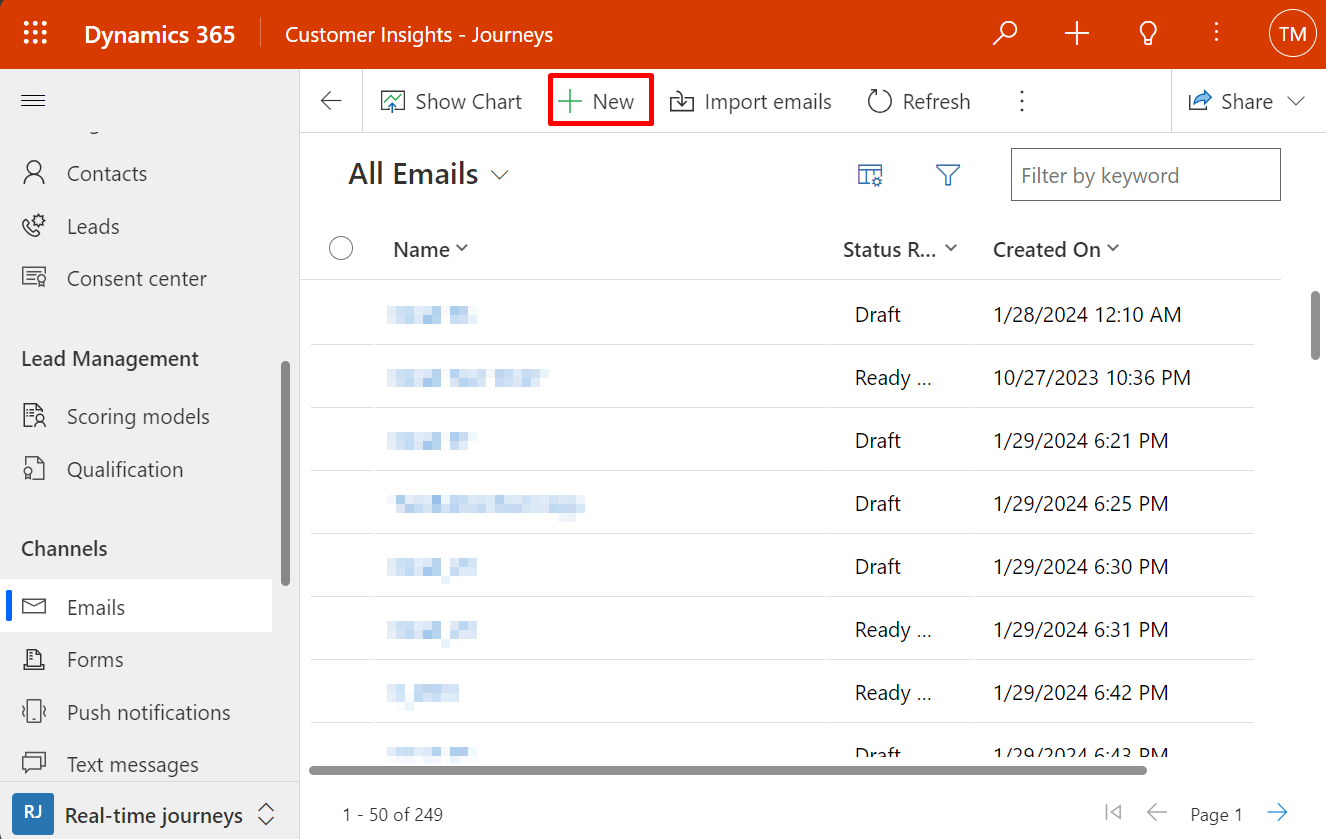
To set a delivery time in Outlook, start by composing your email. Then, click on the “Options” tab in the message window. Choose “Delay Delivery” to access the scheduling options. Here, you can specify the exact date and time for your email to be sent. This allows you to target different time zones or peak engagement hours.
Tracking Sent Emails
Tracking sent emails is crucial for evaluating campaign success. Outlook provides features to monitor email delivery and responses. Use the “Read Receipts” option to know when recipients open your emails. This feature helps you understand engagement levels and adjust future strategies accordingly.
Credit: learn.microsoft.com
Analyzing Email Performance
Sending marketing emails is only the first step. Understanding how your emails perform is crucial to refining your strategy. By analyzing metrics like open and click-through rates, you gain insights into what works and what doesn’t. Let’s dive into how you can effectively monitor these key performance indicators using Outlook.
Monitoring Open Rates
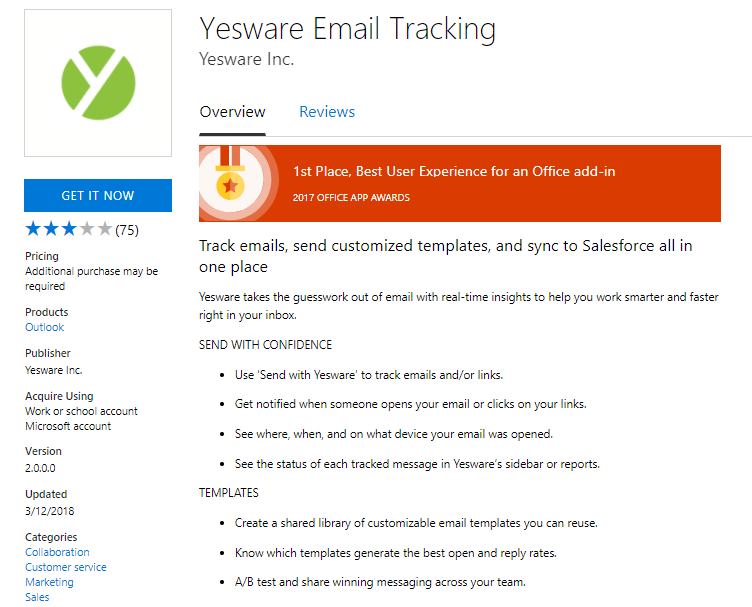
Open rates tell you how many people are opening your emails. This is often the first indicator of how engaging your subject lines and sender name are. In Outlook, you can track open rates by integrating with email marketing tools like Mailchimp or HubSpot.
Consider experimenting with subject lines to see what catches your audience’s eye. Short, compelling, and personalized subject lines often perform better. Have you ever thought about how your audience perceives your emails from the get-go?
By routinely monitoring open rates, you’ll start noticing patterns. Maybe emails sent on a Wednesday have higher open rates than those sent on a Monday. Use this data to adjust your sending schedule for maximum impact.
Evaluating Click-through Rates
Click-through rates (CTR) show how many people clicked on links within your emails. This metric is crucial for assessing the effectiveness of your email content and call-to-action (CTA). In Outlook, once again, leveraging additional tools can make tracking clicks easier.
Are your CTAs clear and engaging? Ensure your links are prominent and provide value to the reader. You might find that a button works better than a hyperlink in the text.
Evaluate which links get the most clicks. Is it the product link, the blog post, or perhaps a special offer? Understanding this can guide you in crafting content that resonates with your audience’s interests.
Analyzing email performance isn’t just about numbers. It’s about understanding your audience’s behavior and preferences. Are you taking full advantage of these insights to improve your email marketing strategy?
Best Practices For Outlook Marketing
Sending marketing emails through Outlook can be a powerful tool. To get the most from it, follow some best practices. These methods help you connect with your audience effectively. They also ensure your emails are professional and compliant. Let’s explore these best practices for Outlook marketing.
Ensuring Compliance
Compliance is crucial in email marketing. Always follow legal guidelines to avoid penalties. Include an unsubscribe link in every email. This gives recipients the choice to opt-out. Use a clear subject line that reflects the email’s content. Misleading subjects can damage trust. Always get permission before adding someone to your list. This respects their privacy and keeps your list healthy.
Optimizing For Mobile
Most people check emails on their phones. Design your emails to fit small screens. Use a single-column layout for simplicity. Keep the text brief and to the point. Large fonts and buttons improve readability and interaction. Test your emails on different devices. This ensures they look good everywhere. A mobile-friendly email increases engagement and click-through rates.
Credit: www.free-power-point-templates.com
Frequently Asked Questions
How Do I Send A Marketing Email Through Outlook?
Open Outlook and click “New Email. ” Add recipients, subject, and message. Use the “Options” tab for tracking. Click “Send. “
Can I Use Outlook For Email Marketing?
Outlook is not ideal for email marketing. It lacks essential features like automation, analytics, and list management. Dedicated email marketing platforms offer better tools for successful campaigns.
How Do I Legally Send Marketing Emails?
To legally send marketing emails, get consent, provide an unsubscribe option, include your business address, identify the sender clearly, and comply with regulations like CAN-SPAM or GDPR. Always ensure your email list is obtained ethically and maintain clear records of consent.
Conclusion
Sending marketing emails via Outlook is simple and effective. Follow the steps to reach your audience. Customize your emails for better engagement. Use Outlook’s features to track and improve results. Focus on clear and concise messages. Make sure your subject lines grab attention.
Keep your content relevant and valuable. Respect privacy and follow email guidelines. Regularly update your email list for accuracy. Practice these tips to enhance your email marketing. Outlook is a reliable tool for connecting with customers. Start today to build stronger relationships and grow your business.


