Are you looking to boost your online presence and capture more leads effortlessly? Creating a landing page in Bootstrap might be your perfect solution.
Imagine having a sleek, responsive, and professional-looking page that not only grabs attention but also converts visitors into loyal customers. By harnessing the power of Bootstrap, you can achieve all this with minimal fuss and maximum impact. This guide will walk you through the straightforward steps to create a stunning landing page using Bootstrap, ensuring you can easily follow along and start seeing results.
Whether you’re a seasoned developer or a complete beginner, this article has got you covered. You’ll discover practical tips, valuable insights, and the essential tools needed to craft a landing page that truly stands out. Ready to dive in and transform your web presence? Let’s get started!
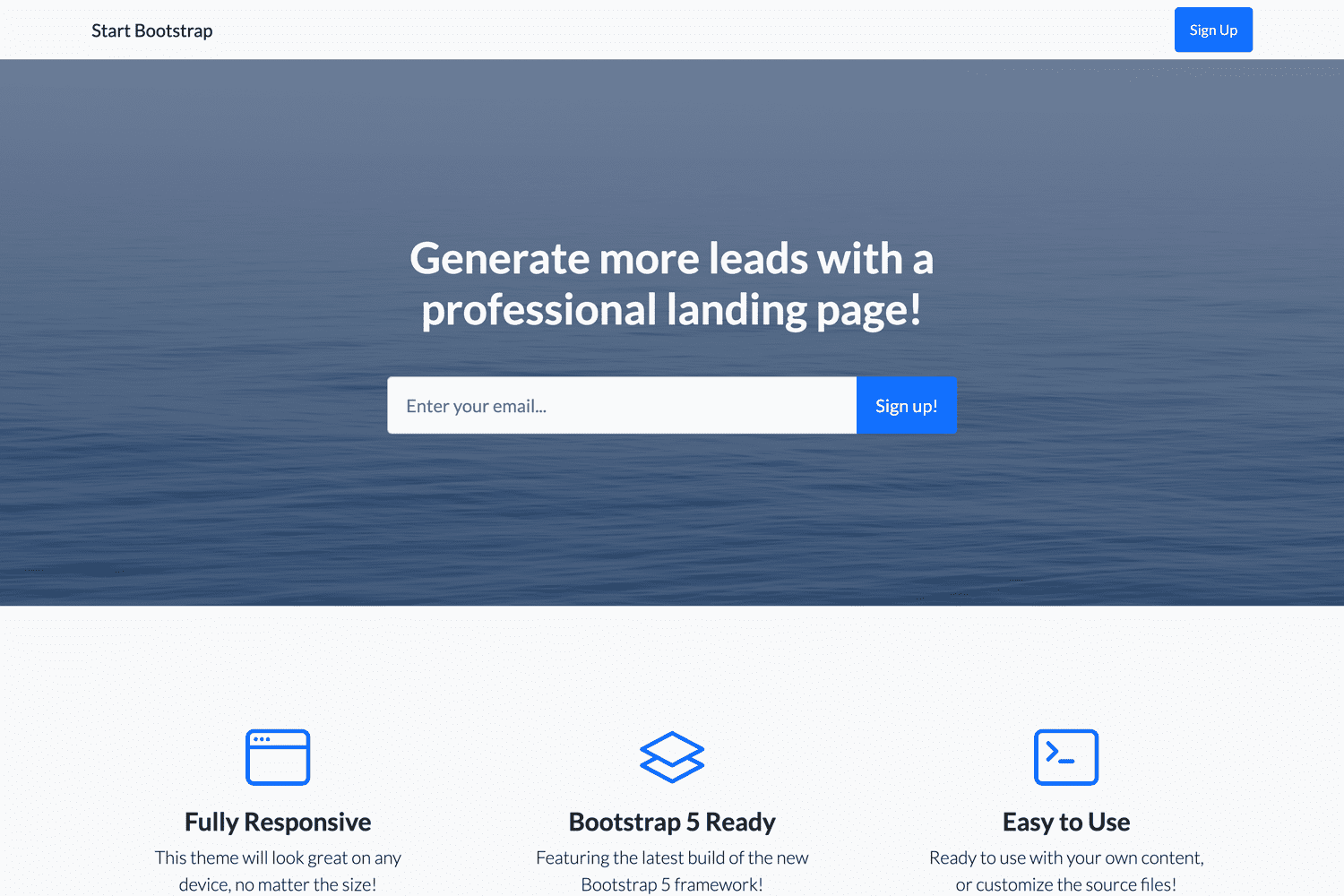
Credit: startbootstrap.com
Bootstrap Basics
Bootstrap is a free framework. It helps build websites fast. This tool has many templates. These templates are ready-to-use. You can create web pages without much coding. Even beginners can use it easily. It is great for making responsive designs. That means your site looks good on any device.
Bootstrap makes landing pages easy to design. It offers a lot of tools. These tools help create clean pages. You can focus on content, not coding. Many businesses use Bootstrap. It saves time and ensures consistency across pages. The framework is also mobile-friendly. This helps reach more users. Using Bootstrap means less work and better results.
Planning Your Landing Page
Goals are important for a landing page. Ask yourself: What is the main purpose? Is it to sell a product or gather emails? Knowing the goal helps in making the page clear and focused. A clear goal guides design choices. It also helps in content creation.
Knowing your audience is key. Who will visit the page? Are they young or old? Tech-savvy or not? Understanding the audience helps in choosing the right tone and style. It also guides the layout. Make it easy for visitors to find what they need.
Every landing page needs essential features. A strong headline grabs attention. Clear call-to-action buttons guide users. Images and videos make it engaging. Forms collect user info. Simple navigation helps users move around. Ensure the page loads fast.
Setting Up Bootstrap
First, visit the Bootstrap website. Find the download button. Click it. Save the file on your computer. This file has everything you need. It includes CSS and JavaScript files. These files help make your page look good. They also help it work well.
Open your HTML file. Add the Bootstrap CSS link in the head section. This link connects your page to Bootstrap. It makes your page stylish. Next, add the JavaScript link. Put it before the closing body tag. This link helps with interactive elements. Make sure you save your changes. Now, your page is ready for Bootstrap.
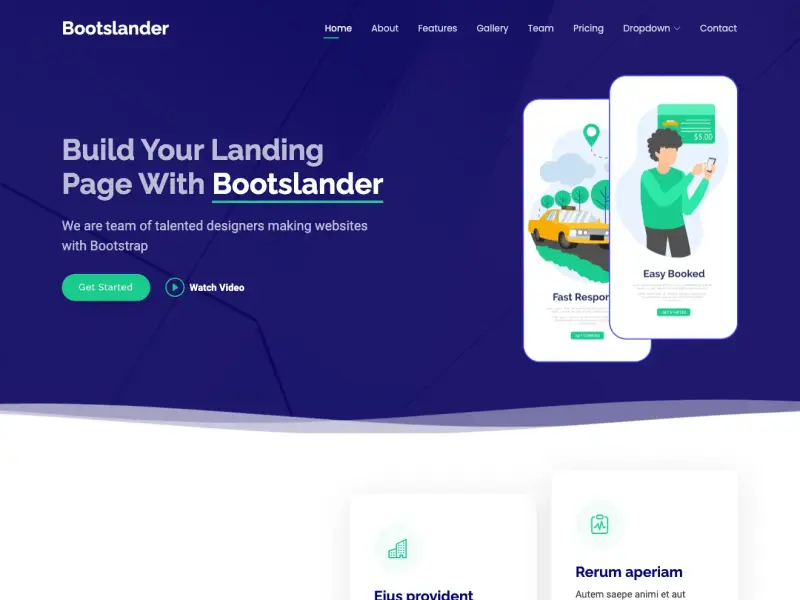
Credit: bootstrapmade.com
Designing The Page Structure
The header is the top part of the page. It usually has a logo. The navigation bar helps users find pages. Use Bootstrap classes to make it look good. Keep it simple. Don’t add too many links. Make sure it looks neat.
These sections hold the main information. Use containers and rows to keep everything in place. Add images and text clearly. Make headings big and bold. Use bullet points for lists. Keep paragraphs short. Make it easy to read.
The footer is at the bottom. It often has contact info. Add links to social media. Use Bootstrap to keep it tidy. Make sure the text is small. It should not take too much space. Keep it simple and clear.
Customizing Styles
Bootstrap offers many classes for easy styling. These classes are simple to use. For example, the btn-primary class makes buttons blue. Use text-center to center text. This helps align content neatly. The container class adds padding to the page. It gives a clean look to your layout.
Sometimes you need styles not available in Bootstrap. In such cases, add your own CSS. First, create a new CSS file. Then, link it in your HTML. Now, write custom styles in this file. Use specific classes to change colors or fonts. This makes your page unique. Adjusting margins and padding can improve spacing. Always test changes to see their effect. This helps ensure the page looks good.
Incorporating Responsive Design
Responsive design helps your page look good on mobile devices. Use Bootstrap’s grid system to create flexible layouts. This makes elements adjust based on screen size. Images should scale properly. Use the img-fluid class for this. Text should be easy to read on small screens. Use larger font sizes for mobile users.
Check your page on different devices. This ensures it looks good everywhere. Use browser tools to test responsiveness. Resize the browser window to see changes. If elements overlap, adjust them. Fixing these issues improves user experience. Make sure buttons are easy to tap. This helps users on touchscreens.
Enhancing User Experience
Crafting a landing page in Bootstrap enhances user experience with its responsive design and easy navigation. Utilize Bootstrap’s grid system for organized layouts. Ensure fast loading times to keep visitors engaged.
Interactive Elements
Adding interactive parts can make a page fun. Sliders and pop-ups grab attention. Animations can guide users. These make the page feel lively. They also help users stay longer. Simple hover effects can improve clicks. Keep it simple for the best results.
Call-to-action Buttons
Call-to-action (CTA) buttons are very important. They guide users on what to do next. Use bright colors to make them stand out. Words like “Join Now” or “Learn More” can be effective. The buttons should be easy to find. Keep the text short and clear. This makes them easy to understand.
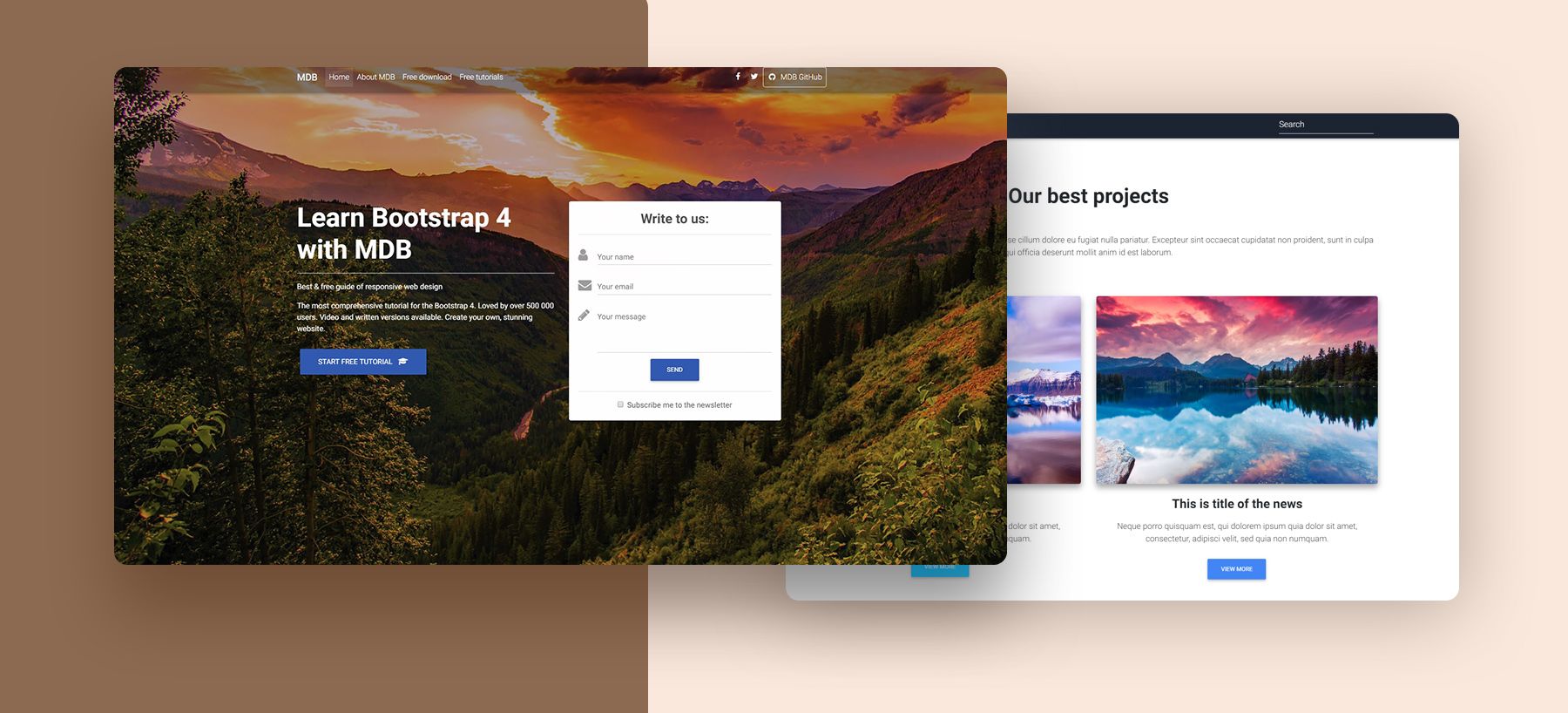
Credit: codesandbox.io
Testing And Launching
Testing ensures your Bootstrap landing page functions well on all devices. Launching brings your creation online for users to see. Both steps are crucial for a smooth user experience and successful website performance.
Pre-launch Checklist
Before launching, ensure your landing page works on all devices. Test it on phones, tablets, and computers. Check that all links take users to the right places. Ensure your forms work and collect correct information. Verify that images load quickly and look good.
Spelling and grammar should be perfect. Mistakes can confuse visitors. Make sure the page is easy to read. Use simple words and clear sentences.
Publishing The Landing Page
Choose a web hosting service. Upload your landing page files. Ensure your domain name is correct and easy to remember. Set up SSL to keep your site secure. Once everything is ready, publish your landing page.
After publishing, check the page again. Ensure everything looks good online. Monitor the page’s performance. Make improvements if needed.
Frequently Asked Questions
How To Make A Landing Page Using Bootstrap?
Use Bootstrap to design a responsive landing page. Start with HTML structure and integrate Bootstrap CSS. Utilize Bootstrap’s grid system and components for layout. Customize using additional CSS for unique styles. Test responsiveness across devices to ensure optimal user experience.
How Do You Create A Landing Page Step By Step?
To create a landing page, follow these steps: Choose a platform, design with a clear goal, add compelling headlines, include persuasive content and call-to-action, and optimize for SEO. Test for performance and adjust as needed. Prioritize mobile responsiveness for better user experience.
How To Create A Page In Bootstrap?
To create a page in Bootstrap, include Bootstrap’s CSS and JS files in your HTML. Use Bootstrap’s grid system to structure your layout. Add components like buttons and navbars using Bootstrap classes. Customize with your own CSS as needed.
How Do I Create A Startup Landing Page?
Design a clean layout with a compelling headline. Highlight key benefits and include engaging visuals. Add a clear call-to-action and ensure mobile responsiveness. Optimize for SEO with relevant keywords.
Conclusion
Creating a landing page in Bootstrap is straightforward and rewarding. Follow the steps, and you’ll have a functional page. Bootstrap simplifies design with its pre-made components. No need for advanced coding skills. Just focus on your content and visuals. Remember to keep your layout clean and user-friendly.
Test your page on different devices for responsiveness. This ensures a seamless user experience. With practice, you’ll improve your design skills. Soon, crafting effective landing pages will become second nature. Keep experimenting and learning. Your efforts will lead to better results.
Happy designing!