
Have you ever wondered how to create a landing page that grabs attention and converts visitors into leads? If you’re using Systeme.io, you’re in luck!
This powerful, user-friendly platform can help you design stunning landing pages without breaking a sweat. Imagine boosting your business’s online presence and driving more sales with a page that speaks directly to your audience. You’ll discover simple steps to craft a compelling landing page that not only captures interest but also encourages action.
Get ready to unlock the secrets of effective design and see how Systeme. io can transform your marketing strategy. Keep reading to ensure your landing page stands out and delivers results!
Benefits Of Using Systeme.io
Systeme.io makes it easy to create landing pages. No coding skills needed. The platform offers many templates. You can choose one that fits your needs. It’s also very user-friendly. Even beginners find it simple to use. You can add text, images, and videos with ease.
Integration with other tools is seamless. This makes managing your business easier. Systeme.io also provides analytics. You can track the performance of your landing page. This helps you understand what works best. It’s a good choice for anyone starting out. It’s also useful for those who want to improve their online presence.
Setting Up An Account
First, visit the Systeme.Io website. Create an account using your email. Choose a plan that suits your needs. There are different options. Look at the features of each plan. Some plans have more tools. Others are simple and cost less. Pick wisely. You can change plans later. A good plan helps you grow. Decide based on your budget and goals.
After logging in, explore the dashboard. It shows all tools available. You will see sections for pages, emails, and more. Click on “Pages” to create a landing page. Follow the steps. The dashboard is user-friendly. Each tool has labels. This makes it easy to find things. You can edit and preview your page. Save changes often. Use help features if stuck. Practice will make you faster.
Designing Your Landing Page
Start with choosing a template. It saves time and effort. Templates are easy to use. They offer a structured layout. Pick a template that matches your style. Look for one that suits your goals. Different templates serve different purposes. Some are for sales. Others are for lead generation. Choose wisely.
Adjust the layout to fit your needs. Make it user-friendly. Change colors to match your brand. Colors impact feelings. They make your page attractive. Keep it simple. Too many colors can confuse visitors. Stick to your brand colors. It builds trust. People recognize your brand easily.
Add your logo to the landing page. Your logo is your identity. Include it in a visible spot. Use brand fonts in the text. Fonts should be easy to read. Add slogans if needed. Slogans communicate your message. Make sure they are brief and clear. Branding elements make your page memorable.

Credit: help.systeme.io
Adding Content And Media
Headlines must grab attention. Use clear and strong words. Make sure it tells what the page is about. Keep it short. Keep it simple. This helps visitors understand quickly.
Use images to show your message. Choose images that match your content. Videos can explain more. Keep videos short. Too many images slow down the page. Aim for balance.
Words must be clear and convincing. Tell visitors what to do next. Use action words like “buy,” “join,” or “learn.” Keep sentences short and direct. This helps people understand better. Good copy makes people want to stay.
Implementing Call To Action
Buttons must stand out. Use bright colors. Make them big. People like simple buttons. Add clear words like “Buy Now”. Use bold fonts. Make sure words are easy to read. Avoid too many words.
Place buttons where eyes go. Top of the page works well. Middle of the page is also good. Bottom of the page can work too. Keep buttons near important text. Use space wisely. Too many buttons confuse people. Use one or two buttons.
Seo And Optimization Tips
Creating a landing page on Systeme. io involves easy steps for beginners. Start by selecting a template that suits your needs. Customize the text and images to match your brand.
Keyword Integration
Use keywords that match your topic. Include them in the title and headings. Place keywords in the first 100 words. Keywords should be in alt texts of images. Add keywords in the URL too. This helps search engines find your page easily. Don’t use the same word too much. It should feel natural.
Page Load Speed
Fast page load is important. Users leave slow pages quickly. Compress images to make them smaller. Use fewer videos or animations. Choose a good hosting service. Check the speed with tools like Google PageSpeed Insights. Fix any issues. A quick page keeps visitors happy.
Mobile Responsiveness
More people use phones than computers. Your landing page must work well on all screens. Use a responsive design. Text should be easy to read. Buttons need to be big enough to tap. Test the page on different devices. Make sure it looks good everywhere. This helps keep visitors on your page.
Testing And Publishing
A/B Testing is a way to test different versions of a page. It helps find out which version works better. This can improve your page’s performance. Start by creating two versions of your landing page. Version A and Version B.
Show half of your visitors Version A. Show the other half Version B. Measure which version gets more clicks or sign-ups. Use this data to choose the best version. This helps in making your page successful.
Finalizing The Launch
Check all parts of your landing page. Make sure all links work properly. Ensure text is clear and easy to read. Double-check images and videos. They should load quickly and look good.
Preview the page on different devices. Phones, tablets, and computers. Ensure it looks nice everywhere. Publish the page when everything is perfect. Celebrate your hard work. Your landing page is now live!
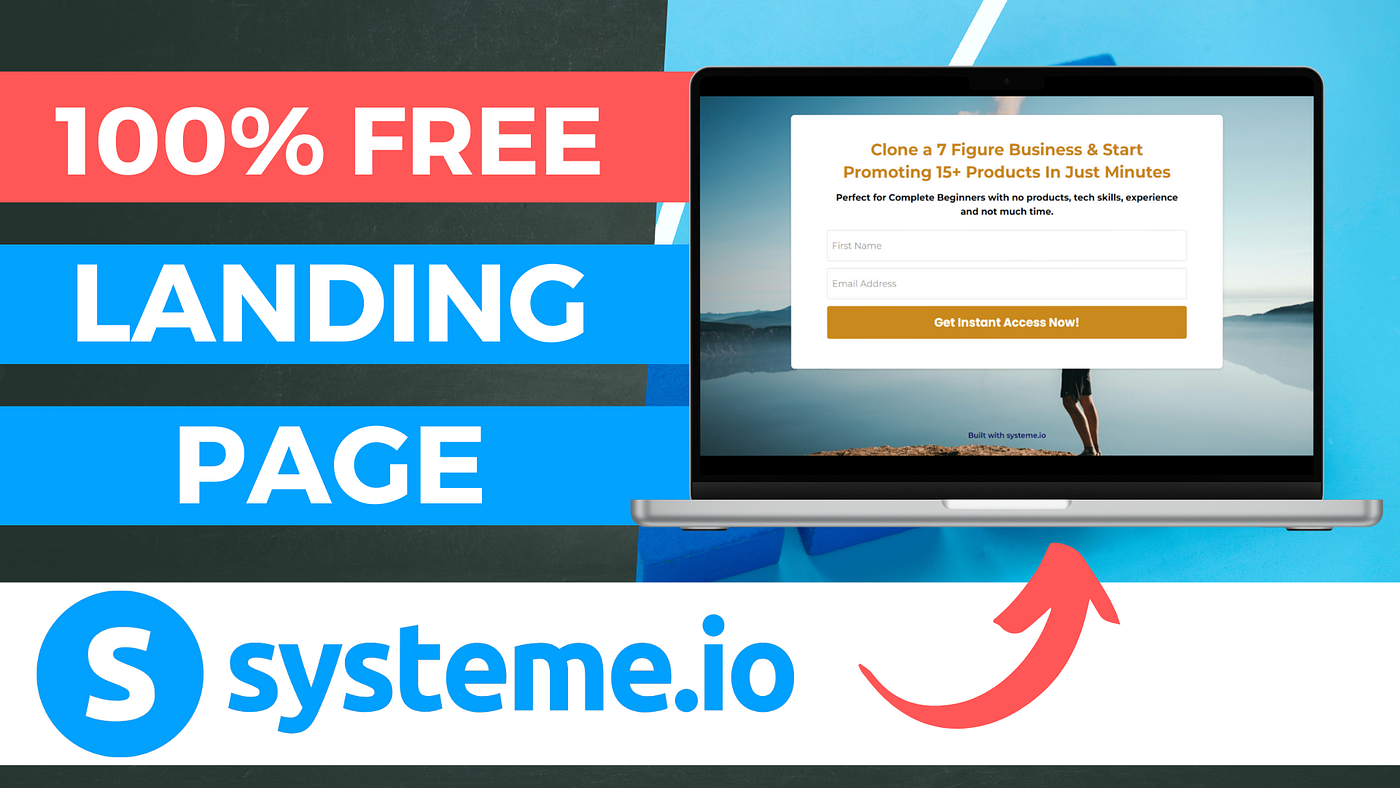
Credit: medium.com
Analyzing Performance
Crafting an effective landing page on Systeme. io involves strategic design and clear messaging. Focus on user-friendly layouts and compelling calls-to-action to enhance user engagement. Regularly analyze performance metrics to refine and optimize the page for better conversion rates.
Understanding Analytics
Analytics show how users interact with your landing page. Check what works best. Look at visitor numbers and session times. Identify patterns in user behavior. Use graphs and charts to make data easy to understand. Page views and bounce rates reveal visitor engagement. High bounce rates mean users leave quickly. Adjust content to keep visitors interested. Compare new data with past results. Find areas needing improvement.
Making Data-driven Improvements
Use data to make your page better. Test changes and see their impact. Small tweaks can make a big difference. Improve design for better user experience. Add clear calls to action. Optimize load time for faster access. Regularly check analytics to track progress. Experiment with different elements. See what attracts visitors most. Use insights to boost performance.

Credit: www.youtube.com
Frequently Asked Questions
How Do I Create My Own Landing Page?
To create a landing page, choose a user-friendly platform like WordPress or Wix. Design with clear headlines, engaging visuals, and concise copy. Optimize for mobile users and include a strong call-to-action. Test and refine your page for better performance and conversion rates.
What Is Systeme.io?
Systeme. io is an all-in-one marketing platform. It allows users to create landing pages easily. With its user-friendly interface, even beginners can design professional pages. It offers tools for email marketing, sales funnels, and more. This makes it an ideal choice for entrepreneurs and small businesses looking to grow online.
How Do I Start A Landing Page On Systeme.io?
To start, log into your Systeme. io account. Navigate to the “Funnels” section and click on “Create. ” Choose a template or start from scratch. Customize your page by dragging and dropping elements. Once satisfied, save and publish your landing page.
It’s designed to be intuitive and efficient.
Can I Use Templates In Systeme.io?
Yes, Systeme. io offers a variety of templates. These are designed for different industries and purposes. You can customize templates to fit your brand and goals. Using templates saves time and ensures a professional look. Simply select a template, edit it, and publish your landing page.
Conclusion
Creating a landing page on Systeme. io is straightforward and effective. Start by planning your layout carefully. Choose templates that fit your brand. Customize elements to match your goals. Focus on clear headlines and call-to-action buttons. Keep your design clean and user-friendly.
Test the page on different devices. Make adjustments as needed for better results. With these steps, you’ll have a functional landing page. One that can engage visitors and boost conversions. Remember to update it regularly. This keeps your content fresh and relevant.
Happy building!


