
Imagine this: You’ve built a fantastic app that has the potential to change lives or revolutionize an industry. You know it’s great, but how do you make sure others see its value too?
The answer lies in crafting a compelling app landing page. This is where your app can shine, capturing attention and converting curious visitors into enthusiastic users. Creating an app landing page might seem daunting, but it’s essential in today’s digital landscape.
It’s your app’s first impression, and you want it to be memorable. Picture your potential user landing on a page that immediately resonates with their needs and desires, leading them to eagerly download your app. We’ll guide you through the steps to make an app landing page that truly stands out. You’ll learn how to design an engaging layout, write persuasive copy, and optimize for conversions. By the end, you’ll have the tools to turn your app’s landing page into a powerful gateway that boosts downloads and user engagement. Stick around, because your app deserves the spotlight!
Setting Goals
First, decide what your app landing page should do. Do you want to get more users? Or, do you want people to know about your app? Knowing this helps make a better page.
Your landing page should be easy to read. Clear text helps users understand quickly. Use big headings and short sentences. This makes reading simple.
Think about adding clear call-to-action buttons. These buttons guide users. They can lead to a download page or more information. Buttons should stand out and be easy to find.
Plan the page layout well. Good design keeps users on the page longer. Use colors and images that match your app.

Credit: www.figma.com
Understanding Target Audience
Knowing your audience is very important. It helps in making choices. Understand their needs and likes. This helps you make a better app. Think about their age. Are they kids or adults? Also, consider what they do daily. Are they students or workers? This helps in designing the app well.
Check what devices they use. Phones, tablets, or computers. Make sure your app works on all. Also, see how they use apps. Do they like simple apps or detailed ones? This helps in creating the right features. Understanding your audience makes your app better.
Choosing The Right Platform
Picking the right platform is crucial for your app landing page. Platforms vary in ease of use. Some offer customizable templates. Others require coding skills. WordPress is popular among beginners. It’s simple and versatile. Squarespace offers elegant designs. It’s user-friendly and visually appealing. Wix provides drag-and-drop features. Perfect for non-tech users. Shopify suits e-commerce apps. It’s excellent for selling products online. Weebly is another choice. Known for its simplicity.
Budget plays a role too. Free platforms might have limitations. Paid ones offer more features. Consider your needs. Evaluate support and resources. Check community forums. They can be very helpful. User reviews are insightful. They reveal real experiences. Make a list of priorities. Compare platforms based on that list. Choose wisely. The right platform boosts your app’s success.
Crafting Compelling Content
Headlines must be short and catchy. They grab attention fast. Use strong words that make sense. Keep them simple. A good headline tells what is inside. It makes people want to read more. Avoid using difficult words. Use words that everyone knows. Make each word count.
Use simple language. Explain what your app does. Tell why it is useful. Make the reader feel they need it. Use clear sentences. Avoid complicated ideas. Explain benefits in few words. Keep it easy to read. Each sentence should help the reader understand.
Buttons must stand out. Use colors that pop. Keep text short. Use words like “Get Now” or “Try Free”. Make it clear what happens when clicked. Guide the user to the next step. Keep it simple. Avoid confusing words. Help users know what to do.
Designing An Attractive Layout
Visual hierarchy helps users find important things fast. Use large and bold fonts for key messages. Color can guide the eye. Bright colors grab attention. Images should lead users to action buttons.
Brand elements make your page unique. Colors and logos should match your brand. Fonts should be easy to read. Consistency in design builds trust. Users remember a well-branded page.
Many users visit from phones. Responsive design adjusts to screen size. Buttons should be easy to tap. Text must be readable without zooming. Images should load quickly. A mobile-friendly page keeps users happy.
Integrating App Features
Crafting an app landing page involves showcasing key features to attract users. Highlight benefits with clear, concise descriptions. Use engaging visuals and direct language to explain how the app solves user problems.
Highlighting Key Features
Show the app’s best parts. Make the features stand out. Use simple icons and clear words. Tell users why these features matter. Explain how each feature helps. Keep it short and easy to read. Use lists if needed. Lists help people see things quickly. Use bold for important words. Make sure the user sees what is special. Features must be easy to find. They should understand what makes your app different. Use images to show features if possible. Pictures help explain better. People like to see things.
Showcasing User Benefits
People need to know why your app is good for them. Benefits should be clear. Tell how the app makes life better. Use simple examples. Examples help people understand fast. Show how the app saves time. Explain how it solves problems. Use bold text for benefits. This helps people see them quickly. Make sure benefits are easy to read. Benefits should be simple and direct. Use short sentences. People like short and clear messages. Tell users what they gain. Make them feel happy about using your app.
Implementing User Testimonials
Choosing authentic testimonials is crucial for your app’s success. Use real feedback from users who love your app. Genuine words build trust. Avoid fake reviews. They can harm your app’s reputation. Always ask for permission before sharing a testimonial. Respect users’ privacy. Highlight key benefits mentioned in testimonials. This helps others see the app’s value.
Positioning for impact is about where you place testimonials on the page. Display them near the top. Users see them first. Use quotes or boxes to make them stand out. Bold important phrases. This catches attention quickly. Use varied formats. Mix text with images. Videos work well too. Keep the layout clean. Too much clutter can confuse users. Make sure testimonials are easy to read. Clear presentation helps users understand.

Credit: www.powercommunity.com
Optimizing For Seo
Choose words people use to search. These are called keywords. Use them in titles and headings. Place them in the text too. But do not overuse them. This helps search engines find your page. Make sure they fit naturally. This keeps readers happy. A happy reader stays longer.
People do not wait long for pages to load. Fast pages keep users. Slow pages lose them. Use small images. They load faster. Minimize extra code. This speeds up the page. Check your page on mobile. It should load quickly there too. Speed affects search rankings. Keep it fast.
Testing And Iterating
Testing and iterating boost your app landing page’s effectiveness. Gather user feedback and analyze data for improvements. Enhance user experience by refining design elements and content.
Conducting A/b Testing
A/B testing helps find what works best on your landing page. Show two versions to users. Version A and version B. Compare the results. Notice which version users like more. Better design can lead to more clicks. More clicks can lead to more downloads. It’s all about what users prefer. Small changes can make a big difference. Try different colors or buttons. Measure every change. Data tells the truth. Always trust the data.
Gathering User Feedback
Users know what they want. Ask them what they think. Use surveys or interviews. Feedback is precious. Listen to their ideas. Make changes based on what they say. Happy users mean more success. Improve based on their needs. People love when their ideas are used. Show you care about their thoughts. Gather feedback often. This keeps your page fresh. Users guide you to better results.
Launching The Page
Get ready for launch day! First, check all links on your page. Make sure they work. Test the design on different devices. A clean look is key. Make the text easy to read. Use simple words. Next, gather feedback. Ask friends to review the page. Listen to their thoughts. Adjust the design if needed. A fresh set of eyes helps. You want a smooth user experience. Finally, set a launch date. Be clear about it. Mark it on your calendar. This step is important. It keeps you on track.
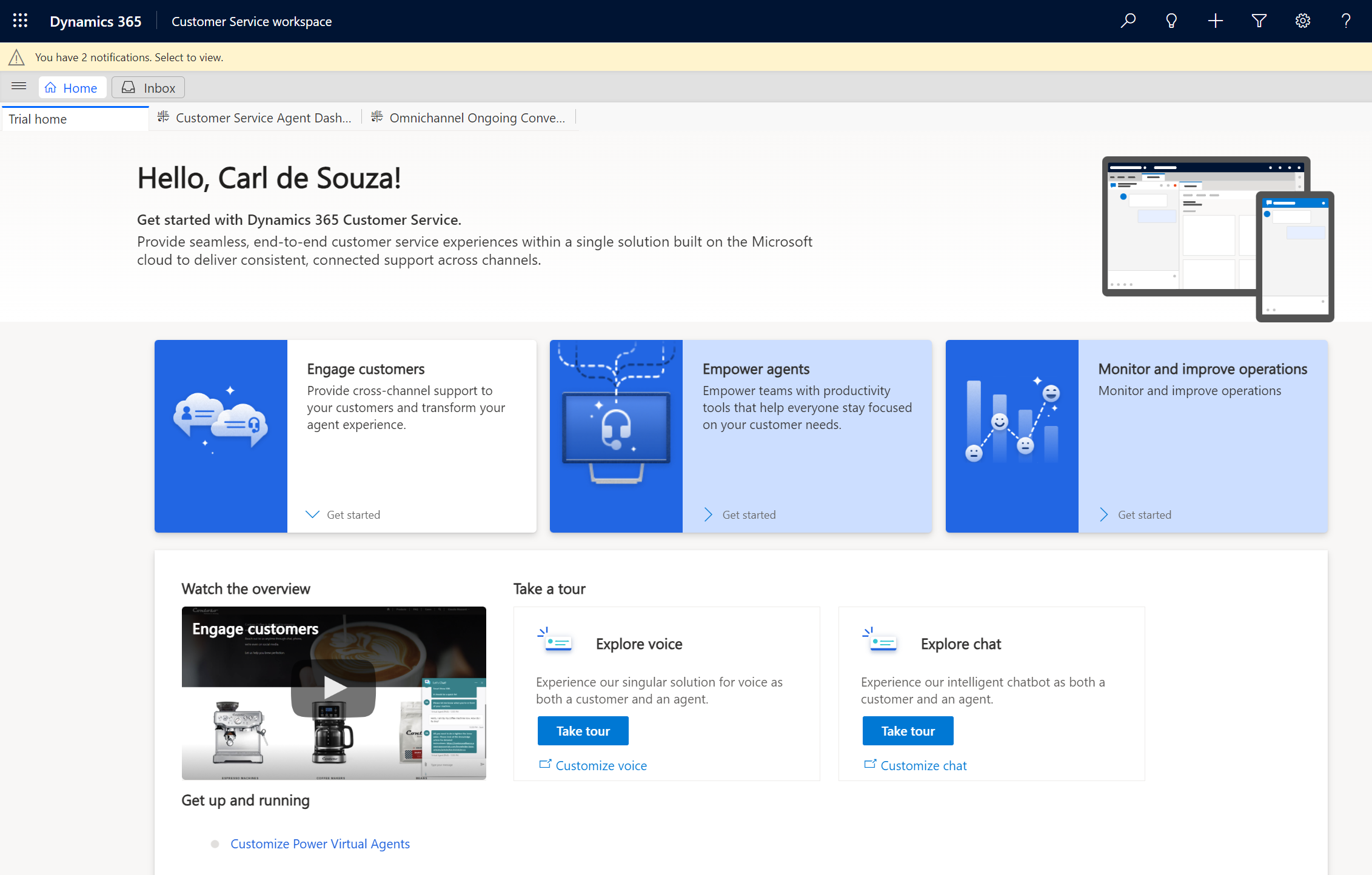
Share your app page on social media. Platforms like Facebook and Instagram work well. Post about the app often. Use pictures and videos. They catch the eye. Email newsletters are also useful. Send them to your subscribers. Include a short message. Keep it simple and clear. Let people know why they need your app. Also, partner with bloggers. They can write about your app. This spreads the word fast. Remember, each channel is a chance. Use them to get attention.
Credit: carldesouza.com
Frequently Asked Questions
How To Create An App Landing Page?
Start with a compelling headline. Highlight key app features and benefits. Include captivating visuals and screenshots. Add testimonials and user reviews. Ensure a clear call-to-action for downloads. Optimize for mobile devices.
How Do I Create My Own Landing Page?
Begin by selecting a landing page builder platform. Choose a template matching your goals. Customize the design, text, and images. Optimize for mobile devices and include a clear call-to-action. Test and refine your page for effectiveness. Ensure fast loading speed and SEO optimization for better visibility.
Does An App Need A Landing Page?
Yes, an app benefits from a landing page. It helps attract users, showcases features, and boosts downloads. A dedicated page enhances visibility, improves SEO, and provides critical information. It also collects user data, streamlines marketing efforts, and increases conversion rates.
A landing page is essential for effective app promotion.
How To Create A Landing Page For A Job Application?
Design a clear headline and job description. Use bullet points for qualifications. Include an easy-to-use application form. Add company branding elements. Optimize for mobile and SEO keywords.
Conclusion
Creating an app landing page boosts visibility. Focus on simplicity and clarity. Highlight key features to attract users. Use visuals to engage visitors. Ensure your page loads quickly. Fast loading improves user experience. Keep content concise and relevant. This helps maintain visitors’ interest.
Test your page on different devices. Compatibility is crucial for broader reach. Remember, a well-designed page supports your app’s success. So start building your landing page today. Make it user-friendly and informative. Watch your app draw more attention.


