Are you looking to transform your WordPress website’s landing page into a captivating home page? You’re in the right place.
Imagine having a home page that not only grabs attention but also boosts engagement and conversions. It’s possible, and easier than you might think. This guide will show you step-by-step how to make your landing page the face of your WordPress site, ensuring it’s both user-friendly and visually appealing.
Get ready to learn practical tips and tricks that will help you create a home page that stands out. Your website’s success starts here. Dive in to unlock the secrets!
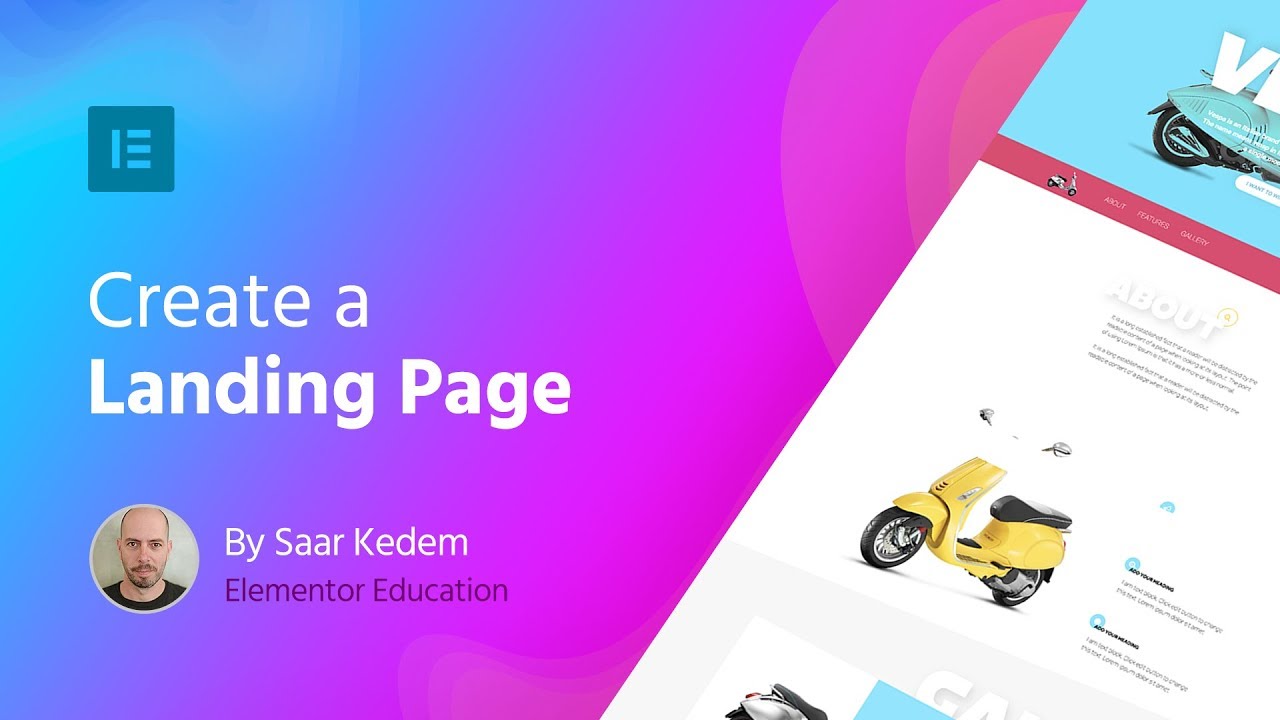
Credit: elementor.com
Choosing The Right Theme
Picking the best theme is important. It affects your site’s look and feel. Make sure the theme is responsive. This means it looks good on phones and computers. Check if the theme is easy to customize. You want to change colors and fonts without much effort. Look for themes with good reviews. Happy users mean the theme works well. Consider the loading speed. Fast themes keep visitors happy. Slow themes make them leave. Ensure the theme is compatible with plugins. Plugins add features to your site. Not all themes work with them. Finally, check the support options. Good support helps fix problems fast.
Many themes are popular for WordPress. Divi is liked for its design features. Astra is known for speed and simplicity. OceanWP offers many customization options. GeneratePress is lightweight and fast. Neve is easy to set up and works well with plugins. Each theme has unique strengths. Choose one that fits your needs.
Installing A WordPress Theme
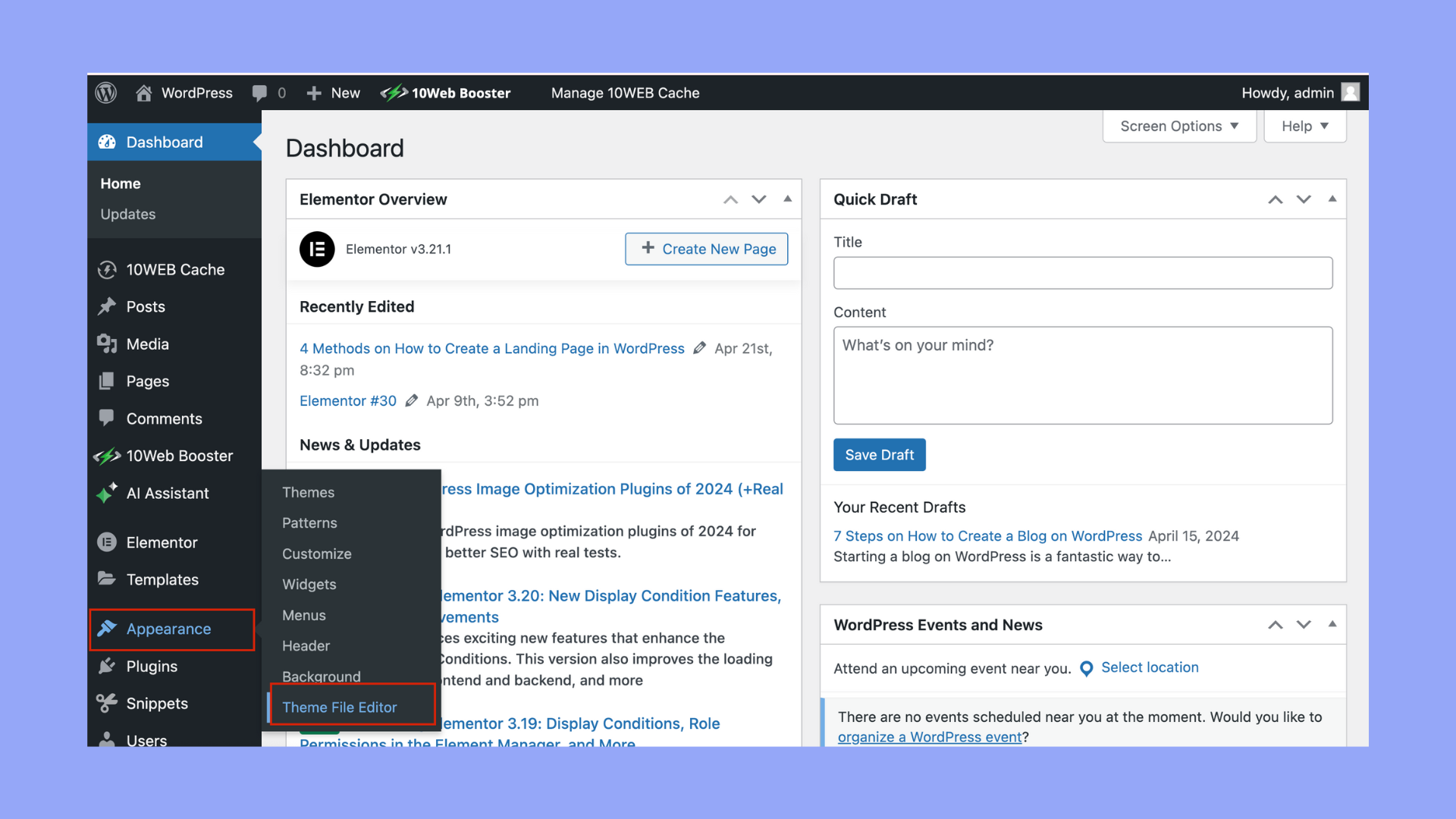
Accessing the Theme Directory is easy. Open your WordPress dashboard. Click on “Appearance” and then “Themes.” You will see many themes here. Some are free. Others need payment. Choose a theme you like. Click “Install” to start. After installing, click “Activate.” Now your theme is live. You can see changes on your site.
Uploading a Custom Theme is simple too. Have your theme file ready. It should be in .zip format. Go to the WordPress dashboard. Click “Appearance” and then “Themes.” Click “Add New” at the top. Next, click “Upload Theme.” Choose your .zip file. Click “Install Now” to upload. After uploading, click “Activate.” Your custom theme is now active.
Configuring The Home Page Settings
First, find your WordPress dashboard. Next, click on Settings. Then, choose Reading. Here, you will see options for your homepage. Select A static page. You must select a page from the list. This page will become your home page.
Ensure your landing page is ready. You need to go to Pages in the dashboard. Find your landing page and select it. Make sure it is set as the Home Page. Users will see this page first. It should be clear and inviting. Include all important information.
Designing Your Landing Page
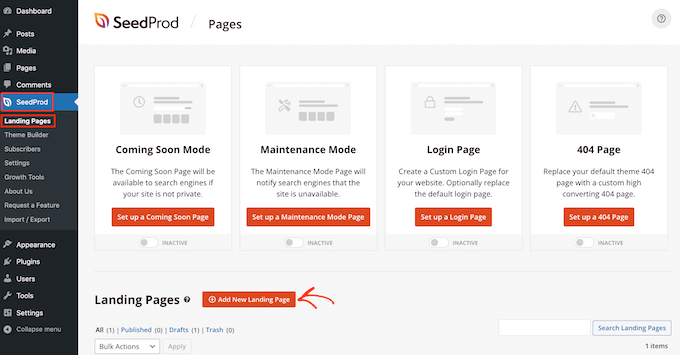
Creating a landing page as your home page in WordPress boosts user engagement. Start by choosing a simple, clean theme. Use clear headlines and call-to-action buttons to guide visitors effectively.
Using The WordPress Block Editor
The WordPress Block Editor is easy to use. It helps build pages fast. Each part of the page is a block. You can move these blocks around. Add text, images, or buttons. Change colors and fonts too. Make sure your page looks good on phones. Preview your page often. This way, you can see your changes.
Incorporating Page Builders
Page builders are tools for creating websites. They offer more options than the Block Editor. Drag and drop elements to design your page. Some popular builders are Elementor and Beaver Builder. They have many templates. Choose a template that fits your needs. Customize it with your colors and fonts. Save your work often to avoid losing changes.
Optimizing For Mobile Devices
Mobile screens are smaller than computer screens. Content must fit well. Use flexible layouts to adjust to different sizes. Images should be responsive. They should resize without losing quality. Buttons need to be easy to click. Make them big enough for fingers.
Check if your page works on a phone. Use online tools to test. They show how your page looks on phones. Fix any issues you find. Ensure fast loading. Slow pages lose visitors quickly. Make sure text is easy to read. Avoid tiny font sizes.
Credit: 10web.io
Incorporating Essential Elements
Call-to-Action buttons are very important. They help visitors take action. Like signing up or buying. Keep the buttons big and bright. Use words like “Join” or “Buy”. Place them in easy spots. Like the top or middle. This helps people see them fast. Buttons need to work well. Test them often. Make sure they do what they say. It makes users happy. Happy users come back.
Social media links let visitors share. Sharing brings more people to your site. Add links for Facebook, Twitter, and Instagram. Keep links simple to find. Place them at the bottom or side. Easy spots work best. Social media buttons should look neat. Match them with your page style. Test the links often. Make sure they work right. More shares mean more visitors. More visitors mean more fun.
Enhancing User Experience
Improving Page Load Speed is crucial. Fast pages keep users happy. Compress images to help. Use fewer plugins for better speed. Choose a reliable hosting provider. Optimize your scripts and styles. Lazy loading images can save time. Fast speed means a better experience. Aim for a load time under three seconds.
Ensuring Intuitive Navigation is key. Clear menus guide users easily. Use simple words for menu items. Keep important links visible. Limit menu items to seven or fewer. A search bar helps users find content fast. Use breadcrumbs for easy backtracking. Consistent navigation keeps users engaged.
Seo Best Practices
Creating a landing page as your home page in WordPress can boost engagement. Start by selecting a theme that supports customizable layouts. Utilize plugins like Elementor for easy design adjustments. Optimize the page with targeted keywords and clear calls-to-action to enhance user experience and improve search rankings.
Keyword Optimization
Choose the right keywords for your page. These words help search engines find you. Use them in titles and headings. They must fit the content naturally.
Meta Tags and Descriptions are important. They tell what your page is about. Use them wisely. Keep descriptions short. Use keywords here too. It helps search engines show your page in results.
Utilizing Plugins For Additional Features
Create a landing page as your home page in WordPress by utilizing plugins for extra features. Plugins simplify the process, offering tools to customize design and layout easily. Explore different plugins to find one that suits your needs and enhances your page’s functionality.
Recommended Plugins
Plugins add useful features to your landing page. Elementor helps design beautiful pages easily. It has many templates. Yoast SEO improves search engine visibility. It guides on better writing. WPForms lets you create forms simply. Collect emails and feedback quickly.
Installing And Configuring Plugins
Open your WordPress dashboard. Find “Plugins” on the sidebar. Click “Add New” at the top. Search for the plugin name. Click “Install Now” when found. Wait for installation. Click “Activate” to use the plugin.
Open plugin settings. Customize as needed. Save changes to apply. Plugins make your site better. They add power and features. They are simple to manage. Plugins are essential for any WordPress site.
Testing And Launching Your Page
Create a landing page as your home page in WordPress by selecting it under ‘Reading Settings’. Test the page for responsiveness and load speed to ensure a smooth launch. Adjust settings and design as needed for optimal performance.
Conducting A Final Review
Check every link and button. Make sure they work. Look at the design. Is it neat? Test the speed of the page. Slow pages are bad. Use a tool to check it. Make sure the text is clear. Is it easy to read? Check for mistakes. Fix any errors you find. Look at the page on different devices. It must look good on all screens.
Publishing Your Landing Page
Set the page as your home page. Go to settings. Choose the right page. Make sure it is the landing page. Look at the URL. Check if it is correct. Share the page link with others. Get feedback from friends. They can help find mistakes. Update the page when needed. Keep it fresh. Make changes when you find issues.
Credit: www.wpbeginner.com
Frequently Asked Questions
How To Make A Home Page As A Landing Page In WordPress?
Set your home page as a landing page by navigating to “Settings” > “Reading” in WordPress. Select “A static page” and choose your desired page from the dropdown. Save changes to make it live. Customize the page using your favorite WordPress editor to optimize user engagement and conversion.
Can A Landing Page Be A Homepage?
Yes, a landing page can be a homepage. Homepages often serve as landing pages for general site traffic. They introduce visitors to a brand, offering a broad overview. Landing pages, however, usually focus on specific campaigns or offers. Both aim to engage visitors effectively and guide them towards a desired action.
How To Set A Page As A Home Page In WordPress?
Go to WordPress dashboard. Click “Settings” then “Reading”. Choose “Static Page” and select desired page as home page. Save changes.
How To Create A Splash Page In WordPress?
Create a splash page in WordPress using a plugin like Elementor. Design the page, add engaging content, and set it as your homepage. Ensure the splash page is visually appealing and conveys your message effectively. Optimize for mobile view to enhance user experience and improve search engine ranking.
Conclusion
Creating a landing page as your homepage in WordPress is simple. Start by choosing the right theme. Themes affect design and functionality. Use WordPress customization options. Personalize your page to fit your brand. Install essential plugins for added features. Test your page on different devices.
Ensure it looks good everywhere. A well-designed homepage attracts visitors. It also keeps them engaged longer. Regular updates are crucial. Keep content fresh and relevant. Lastly, always monitor performance. Use analytics tools to track visitors. Improve your page based on data.
Enjoy your new, effective WordPress homepage!